For designers. Built by a designer.
The AI suite that speaks Designer.
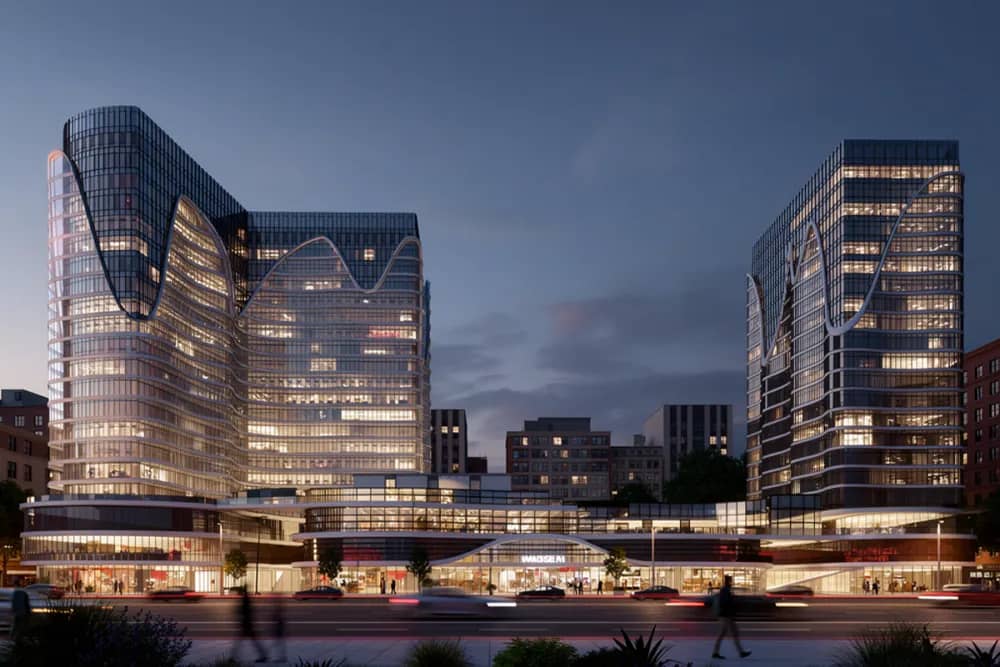
A SketchUp screenshot to a client-ready render in under a minute.
No prompt.
Stop prompting. Start speccing.
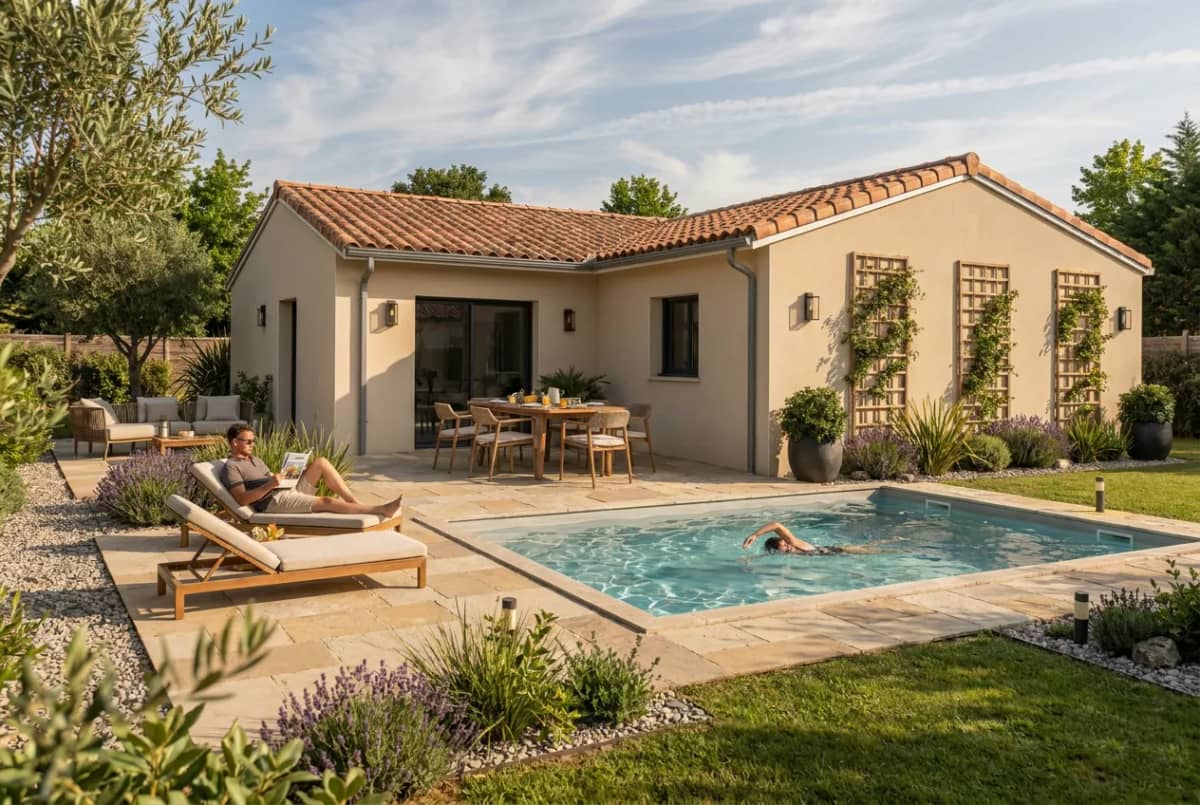
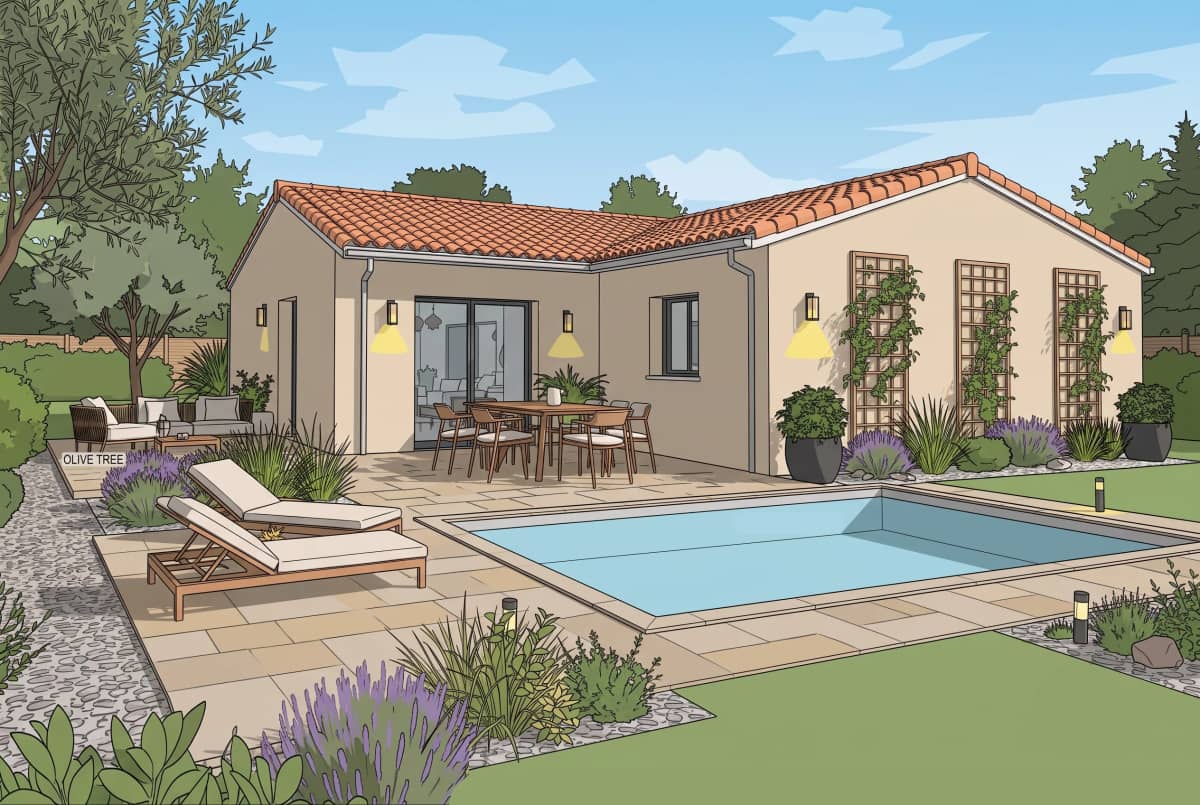
Any screenshot of your model — no plugin, no 3D file upload.
What can you do with Pixerise?
with just a SketchUp screenshot

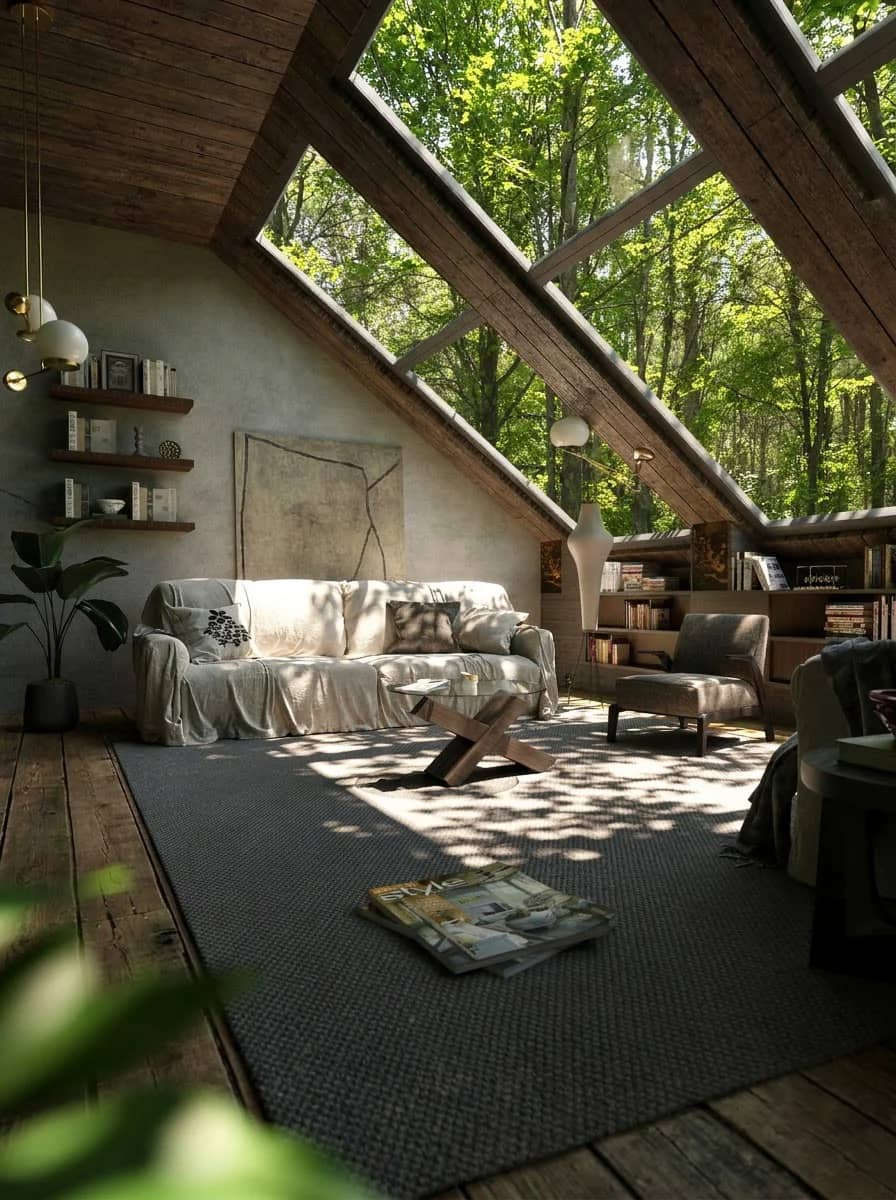
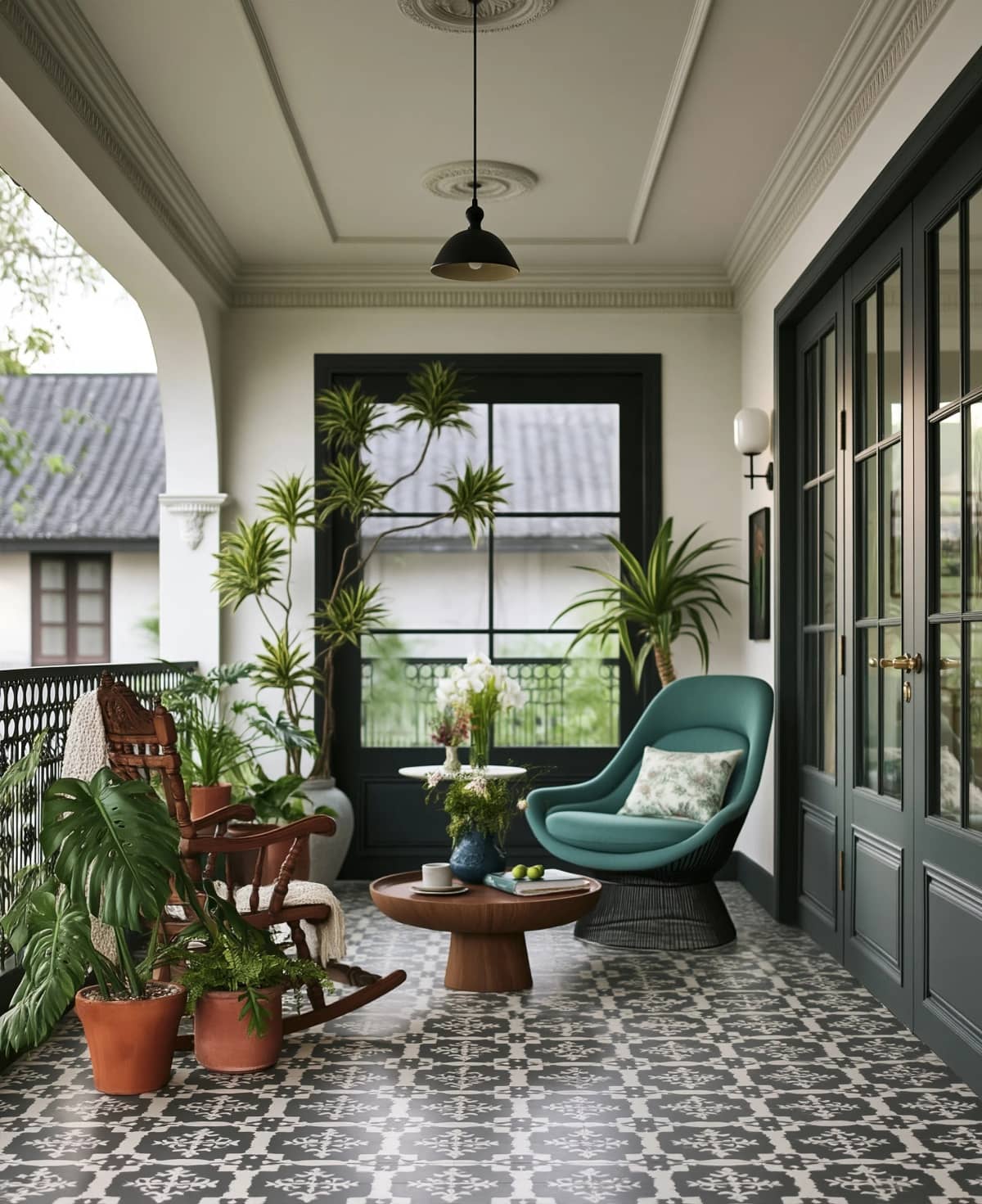
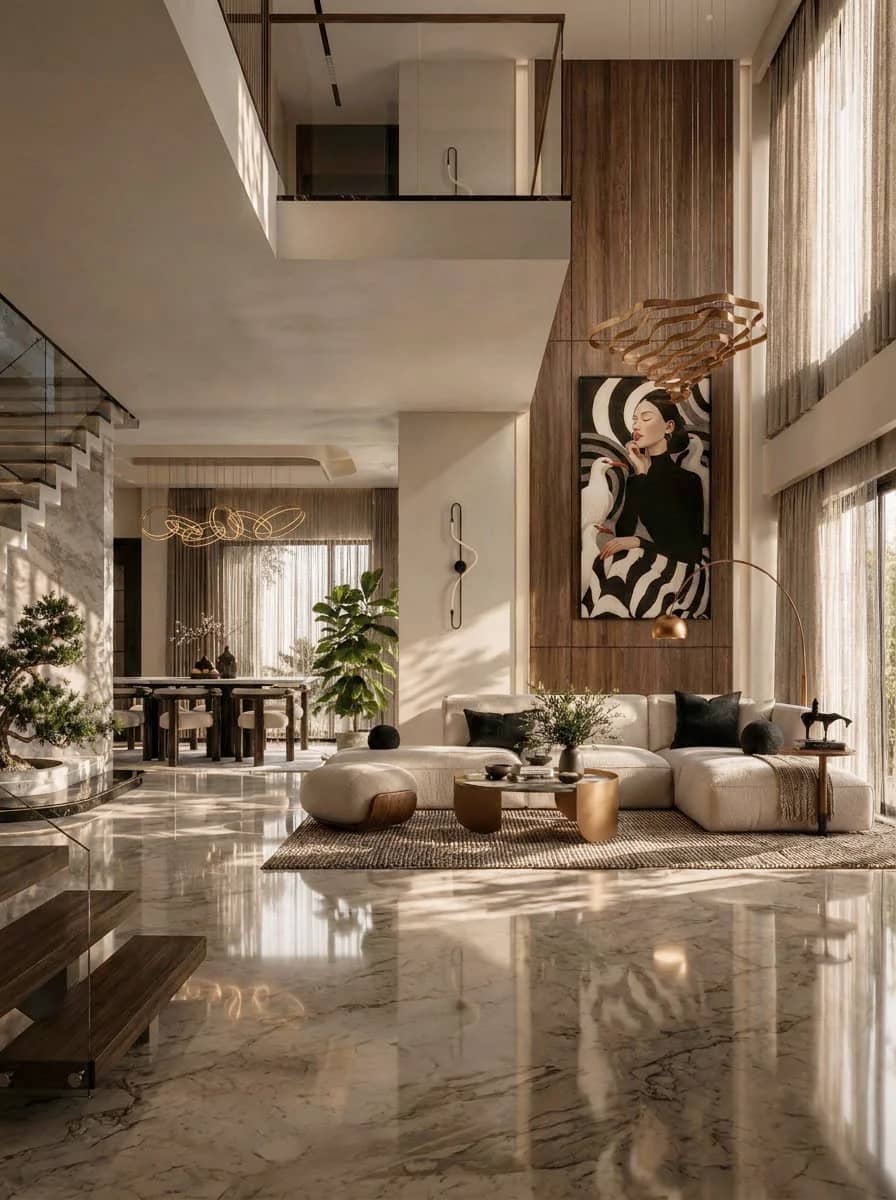
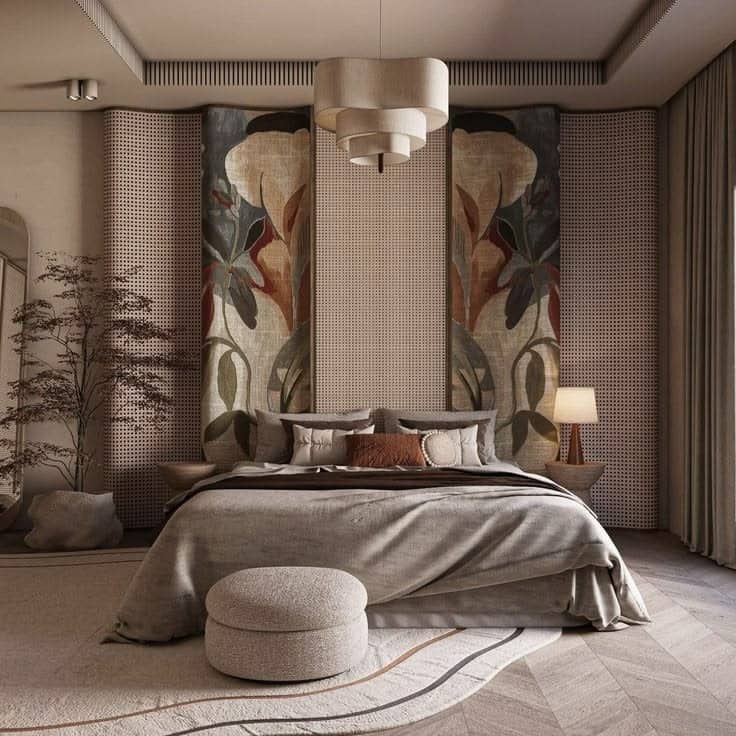
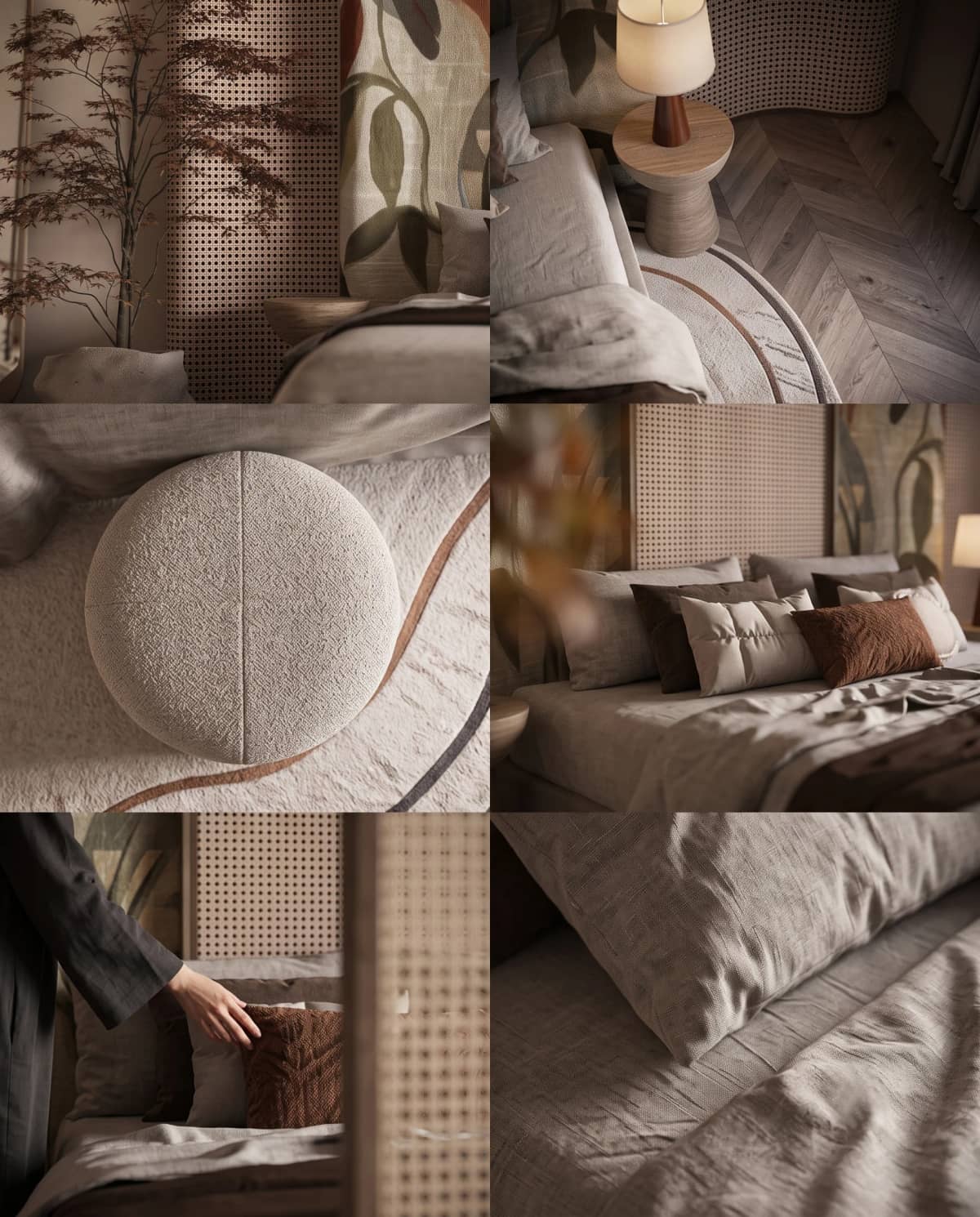
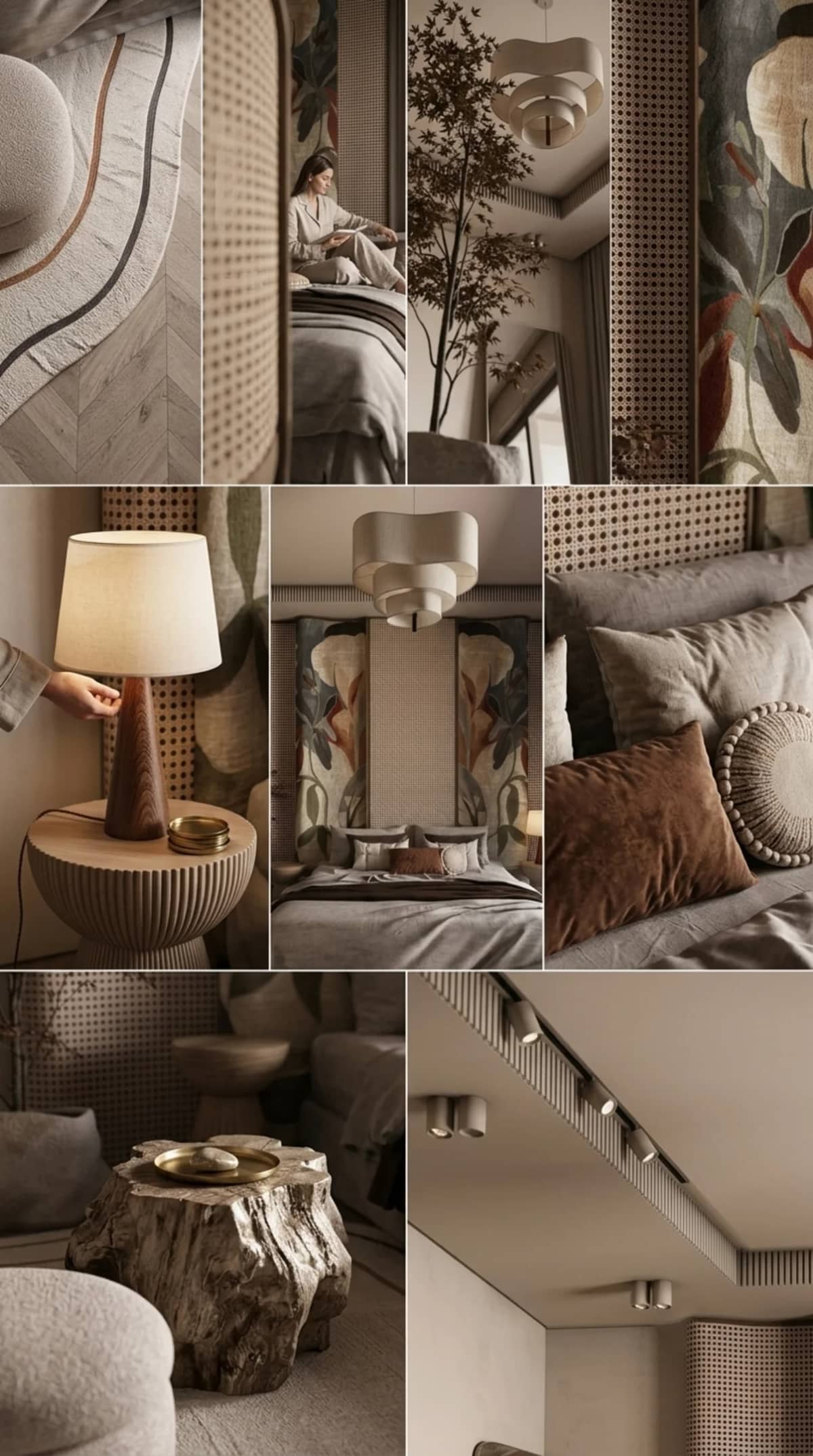
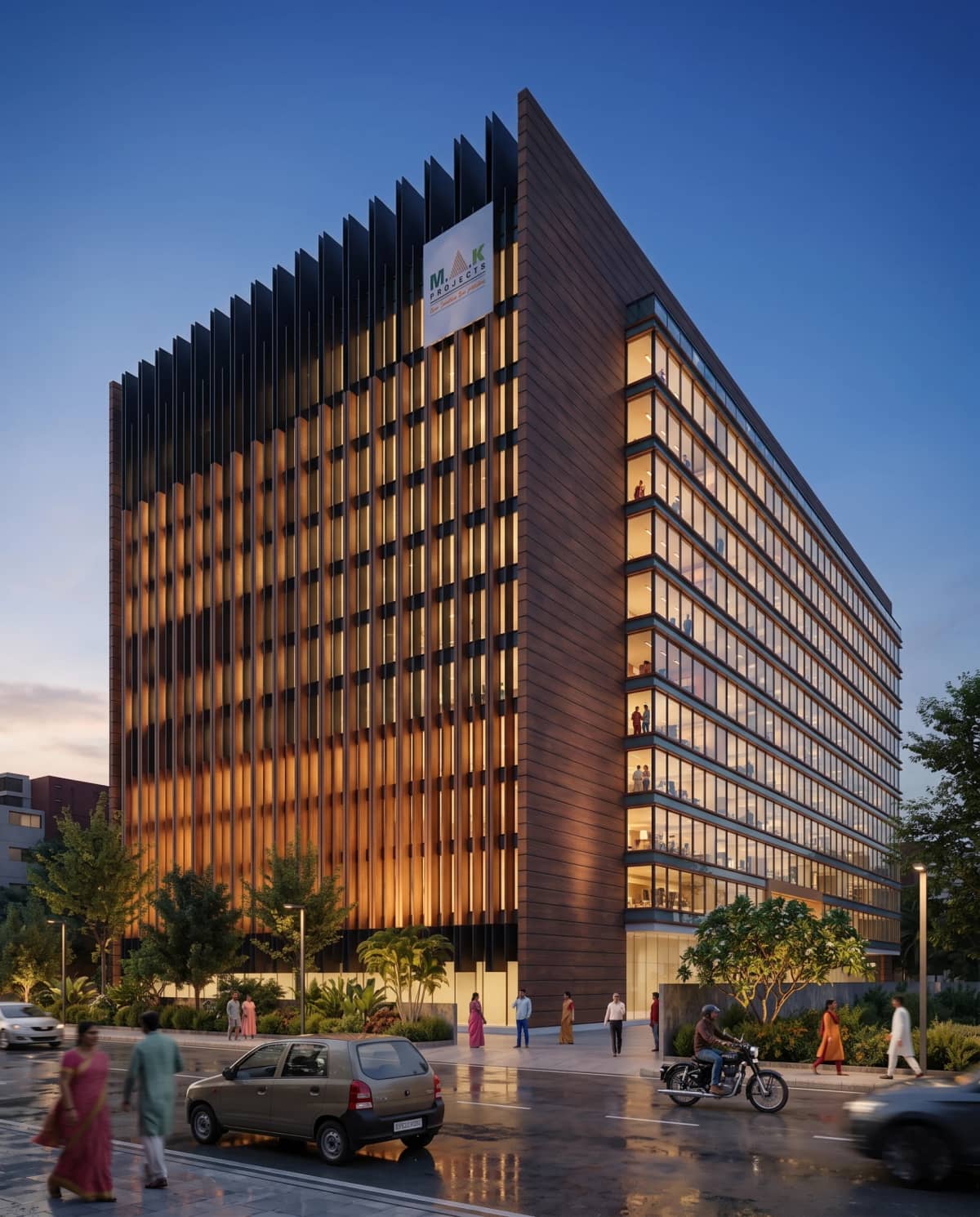
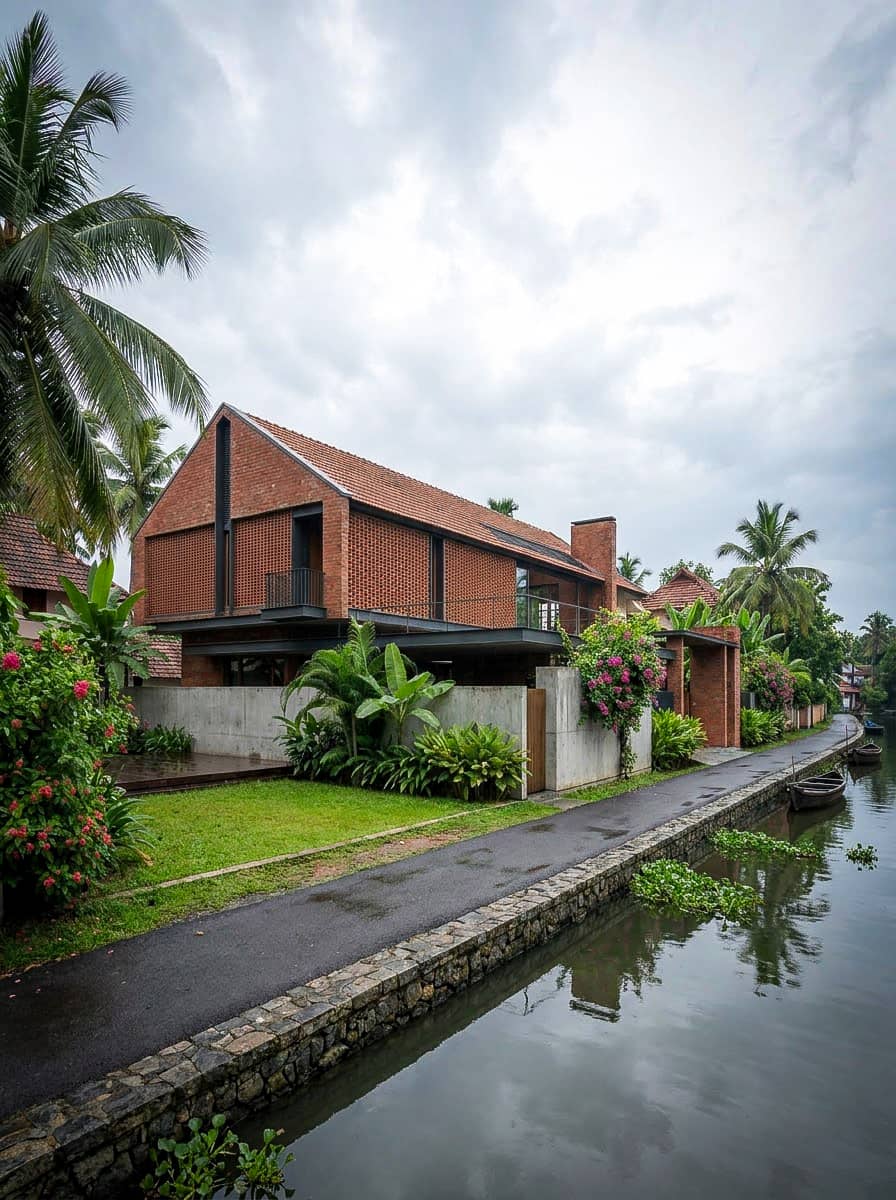
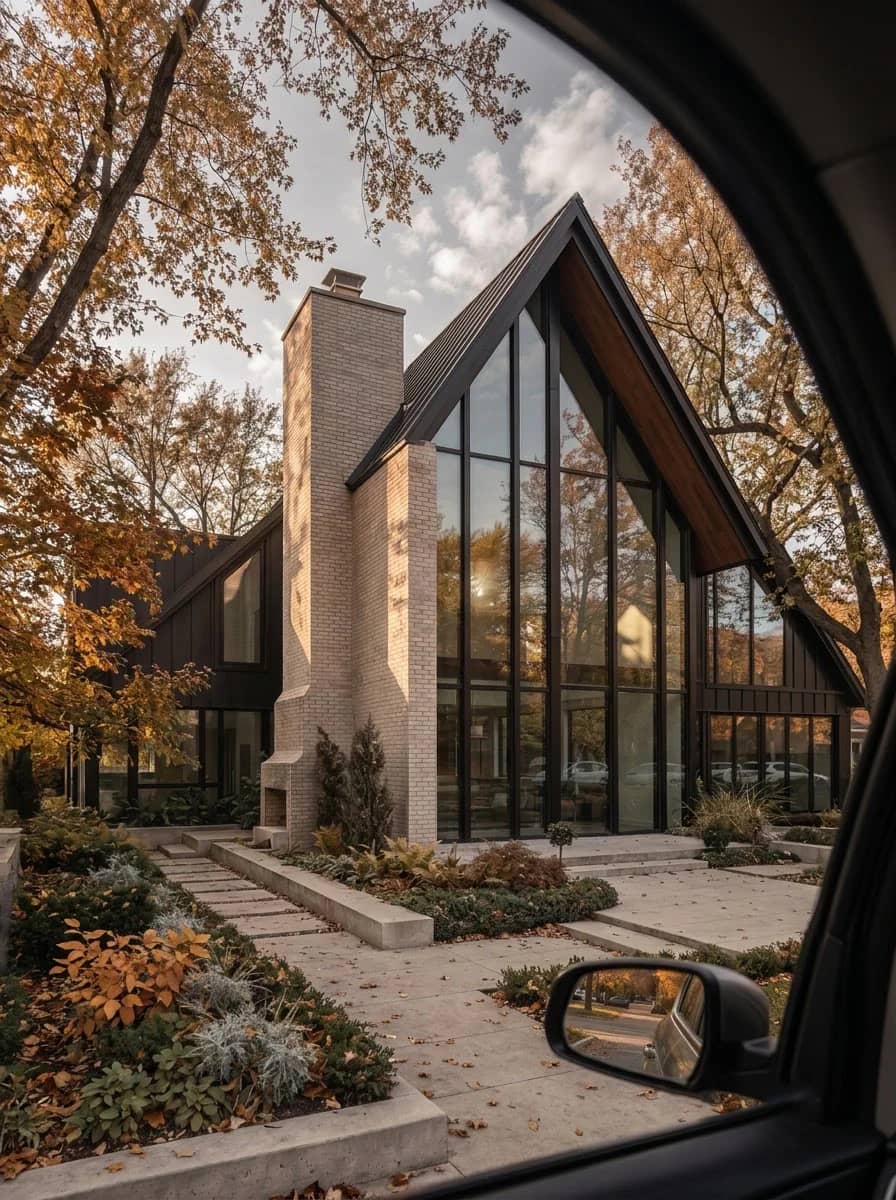
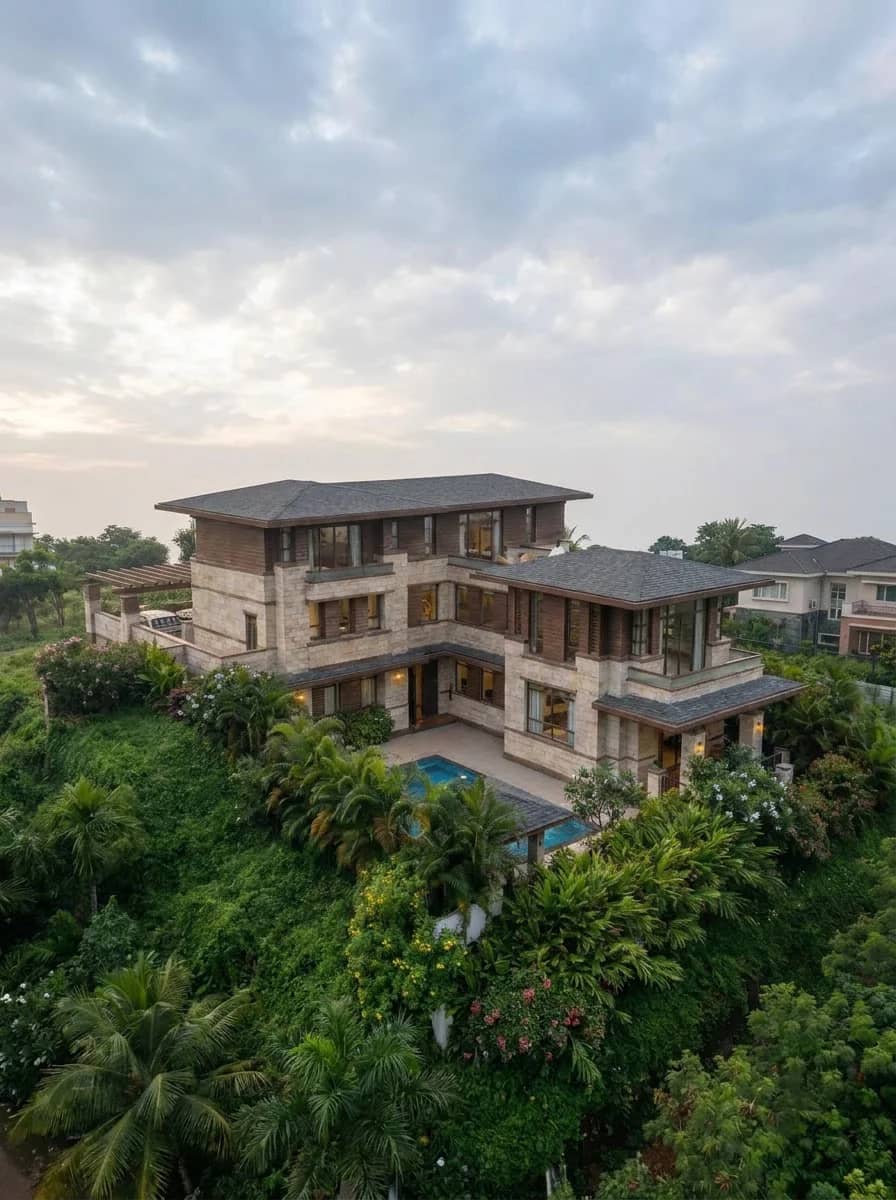
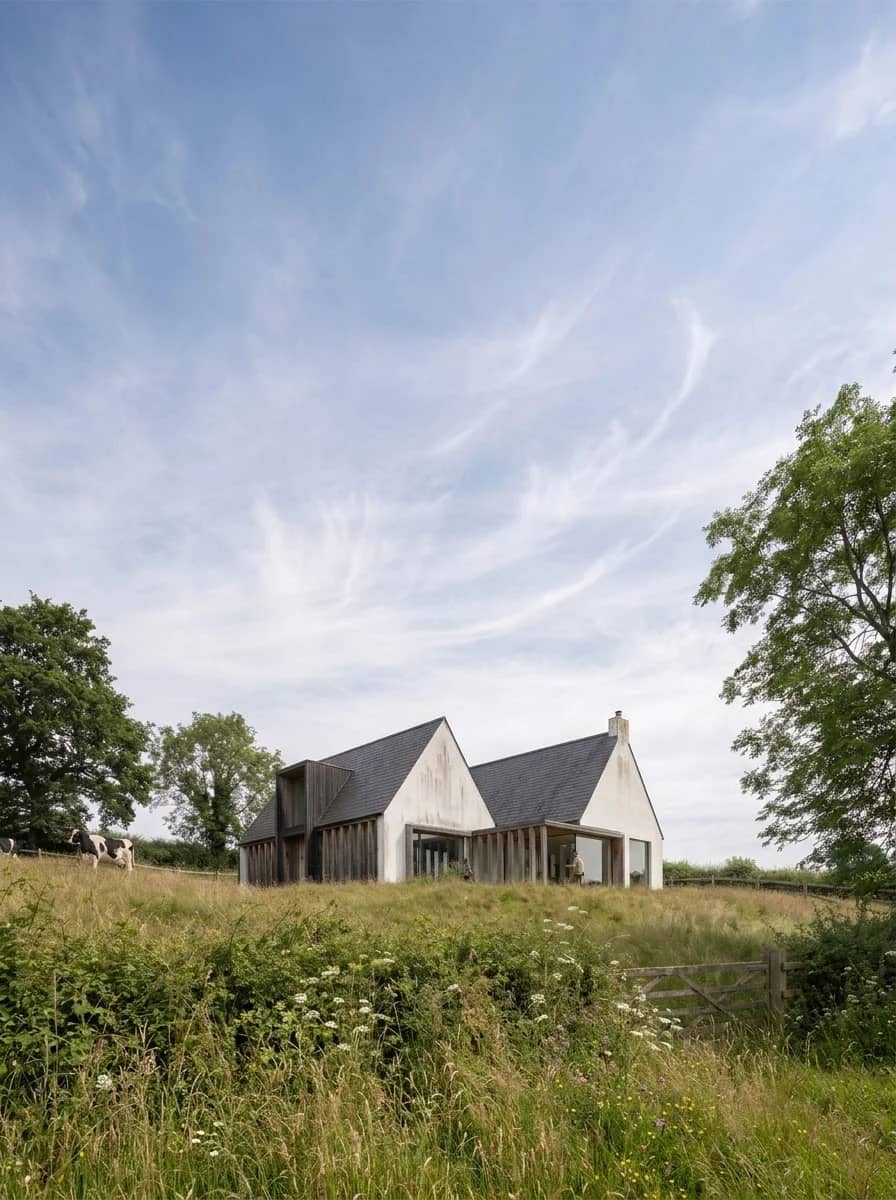
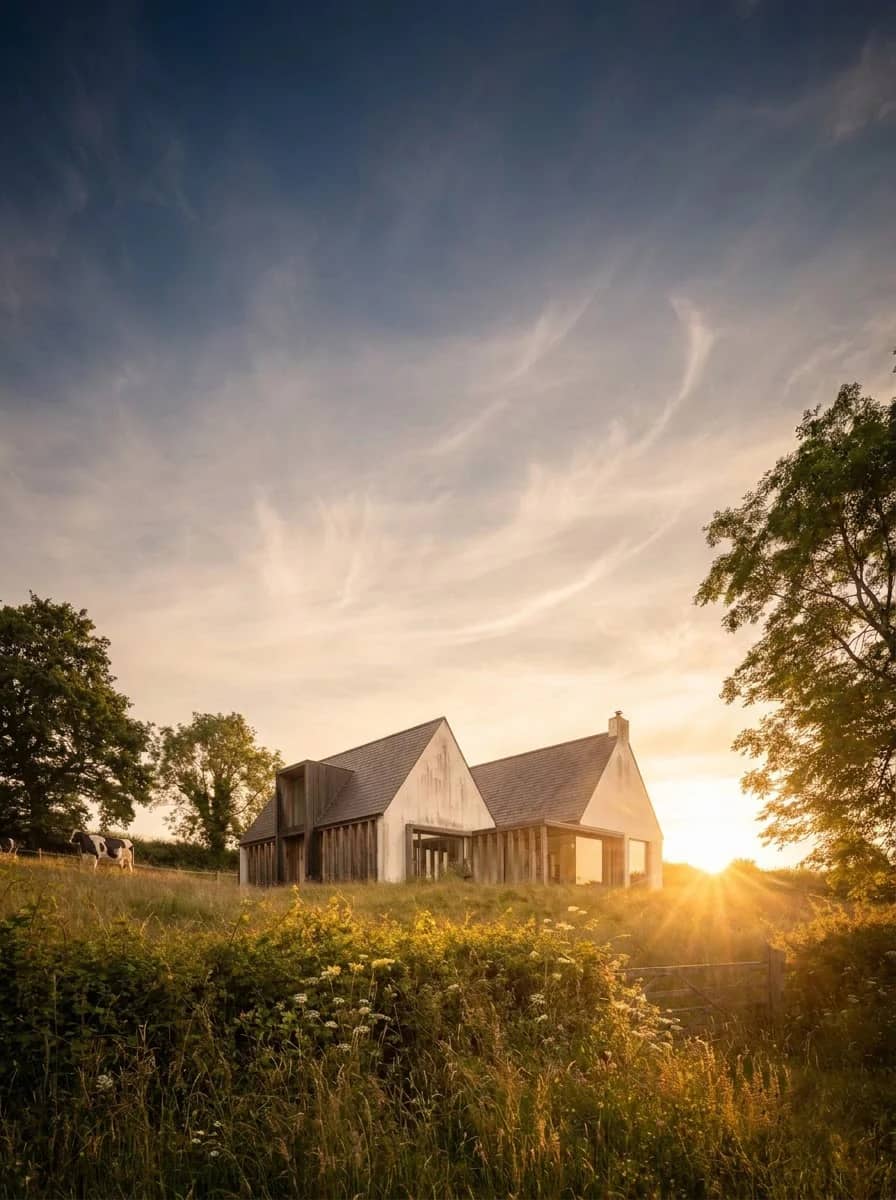
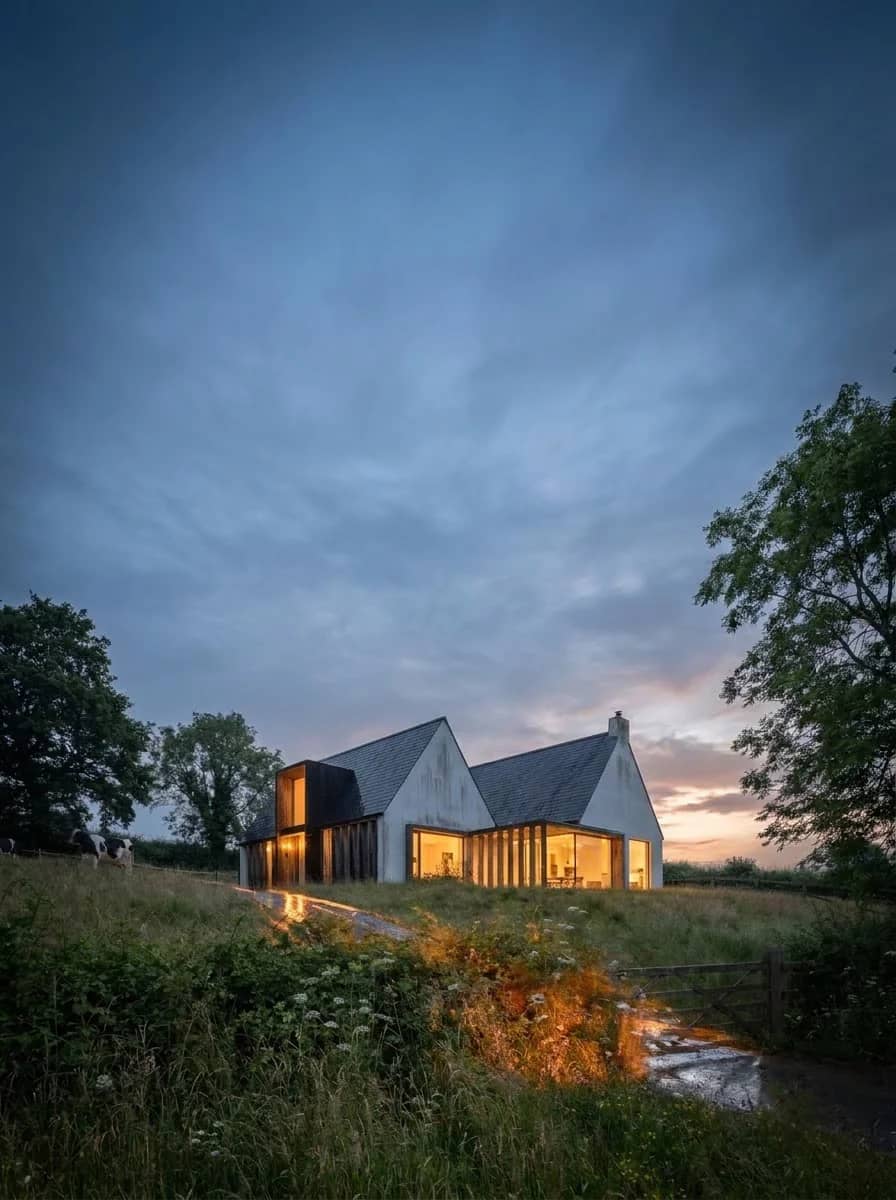
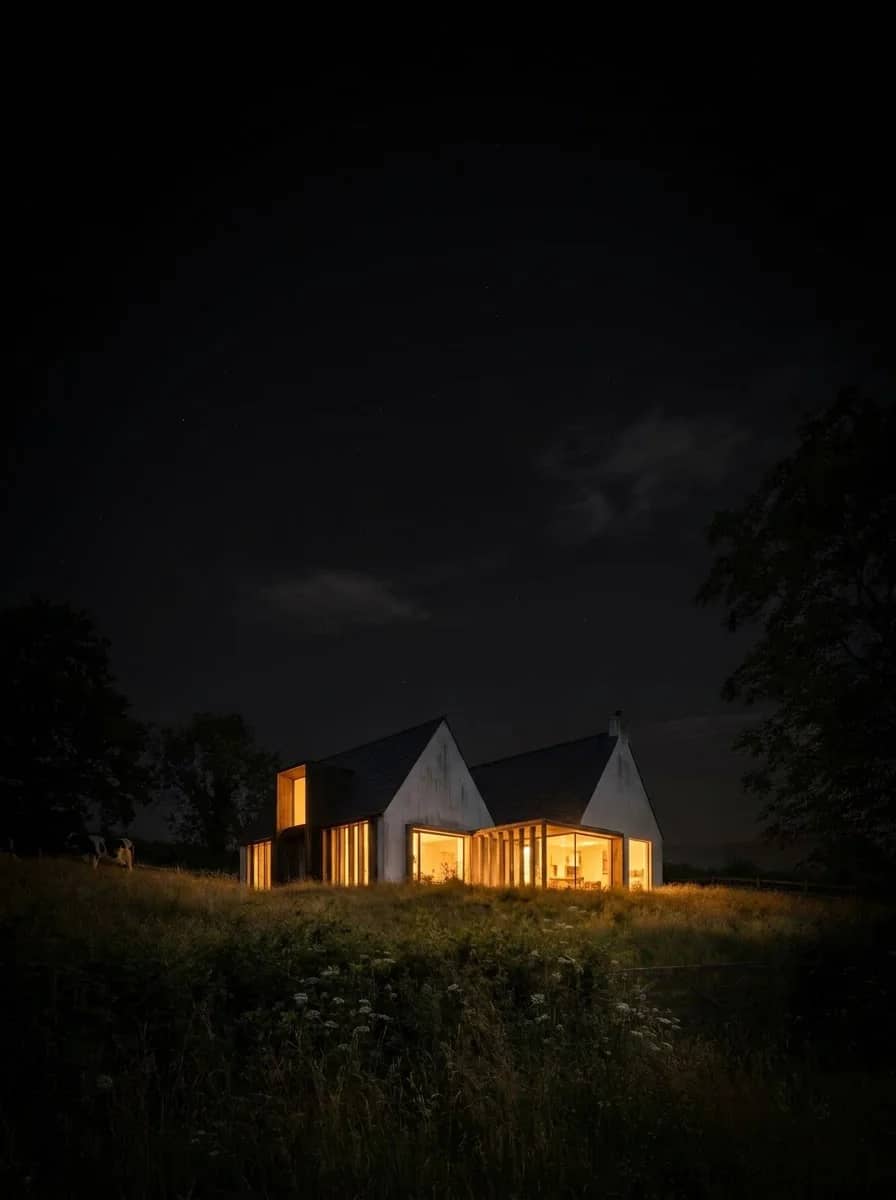
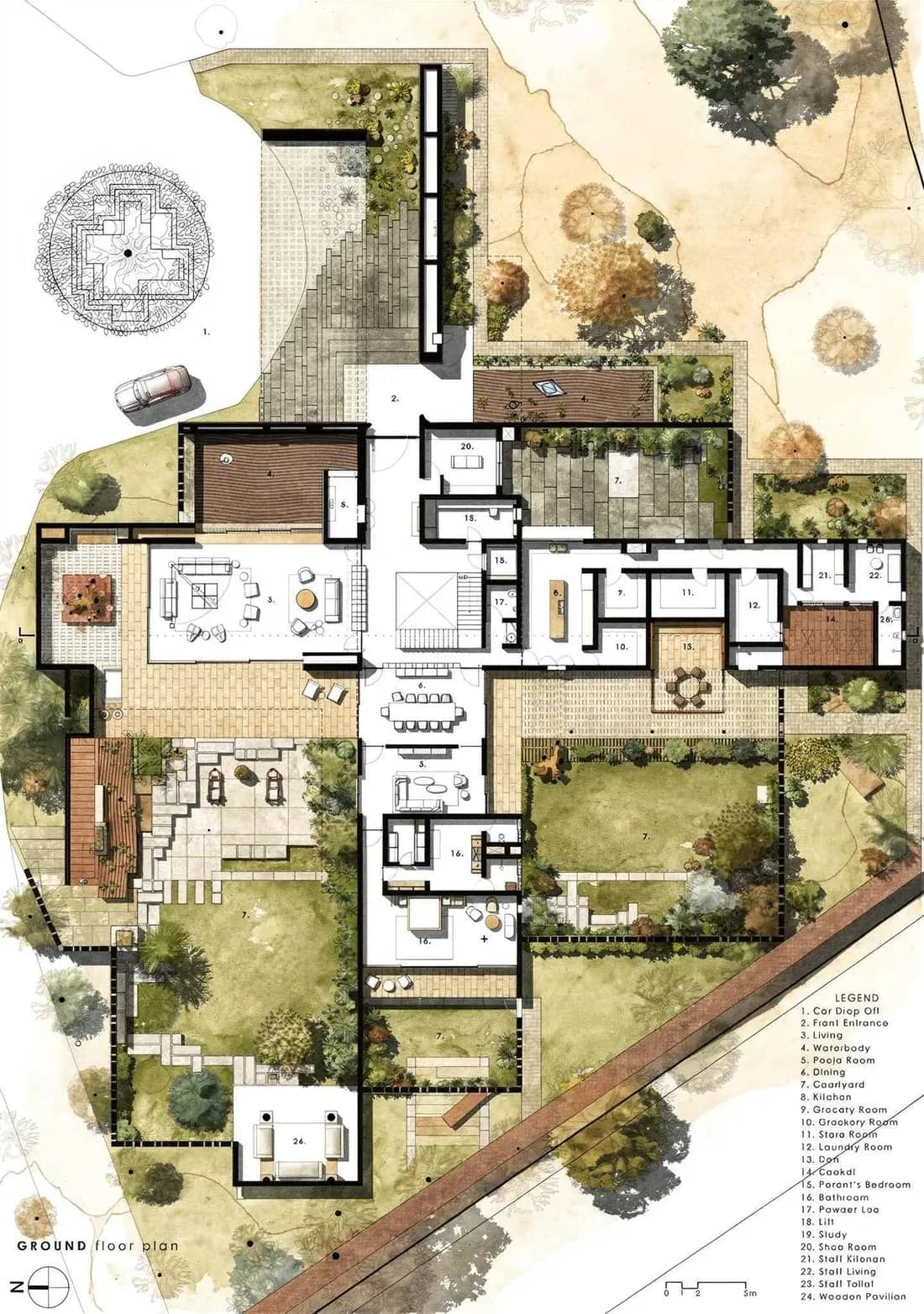
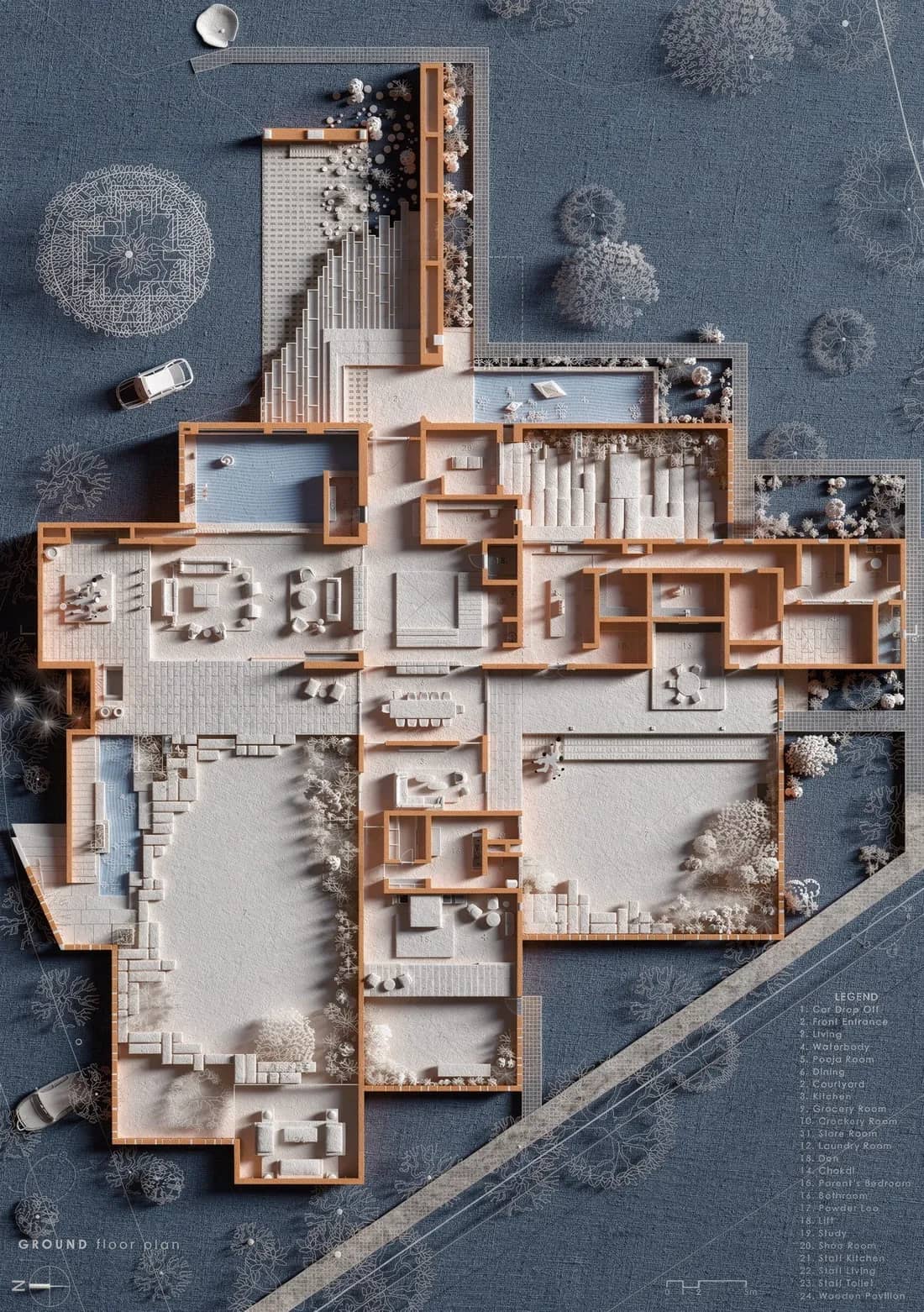
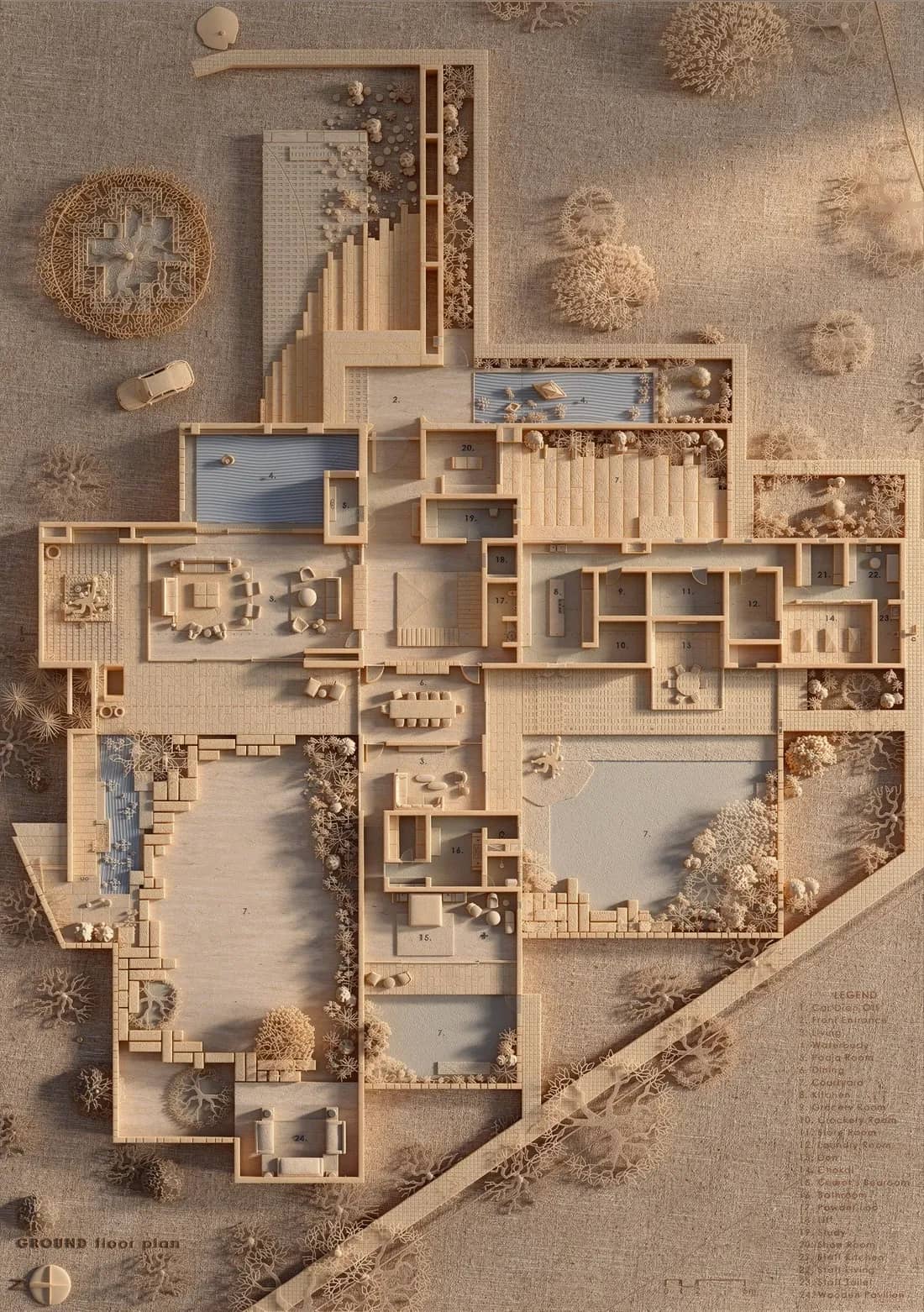
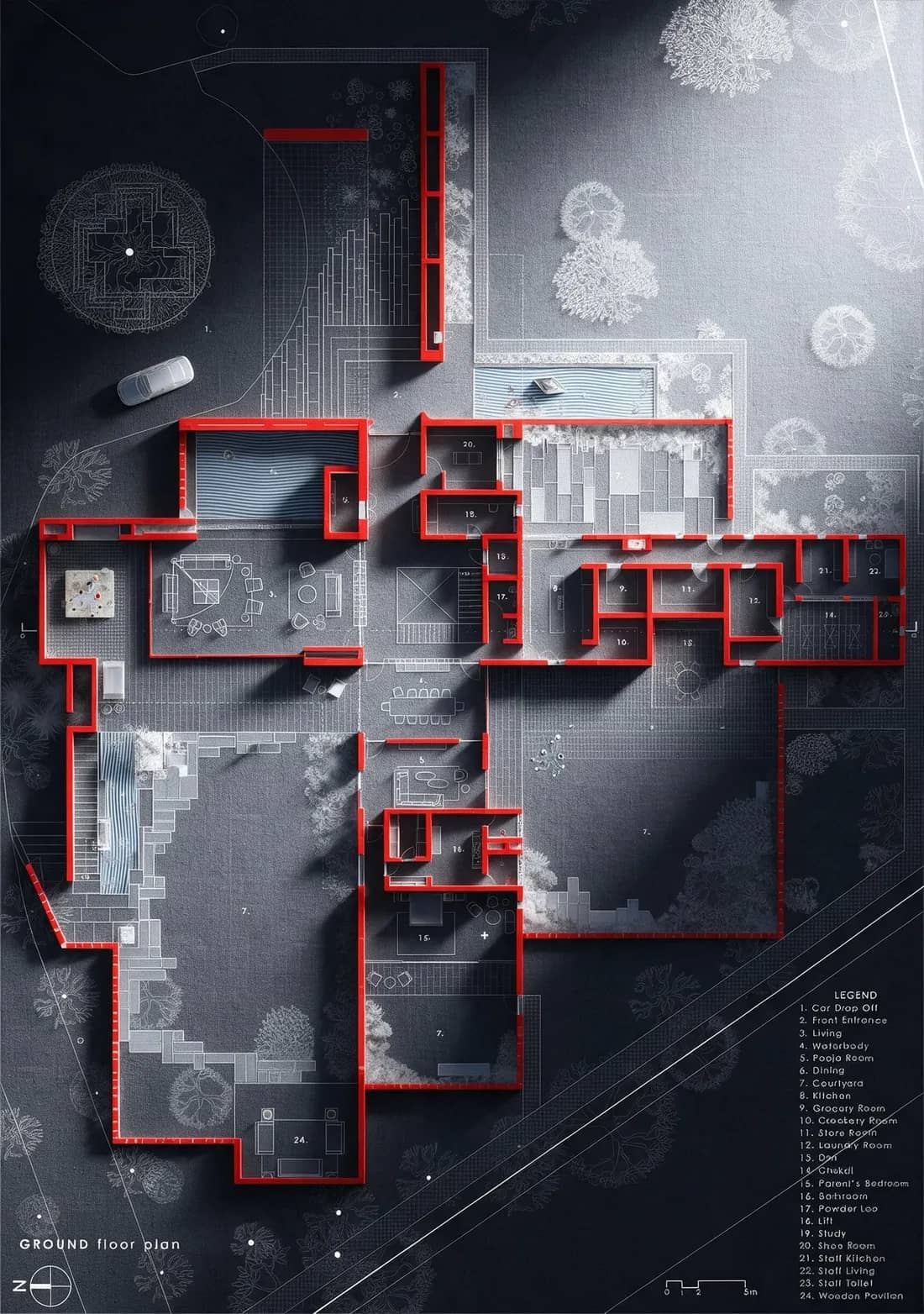
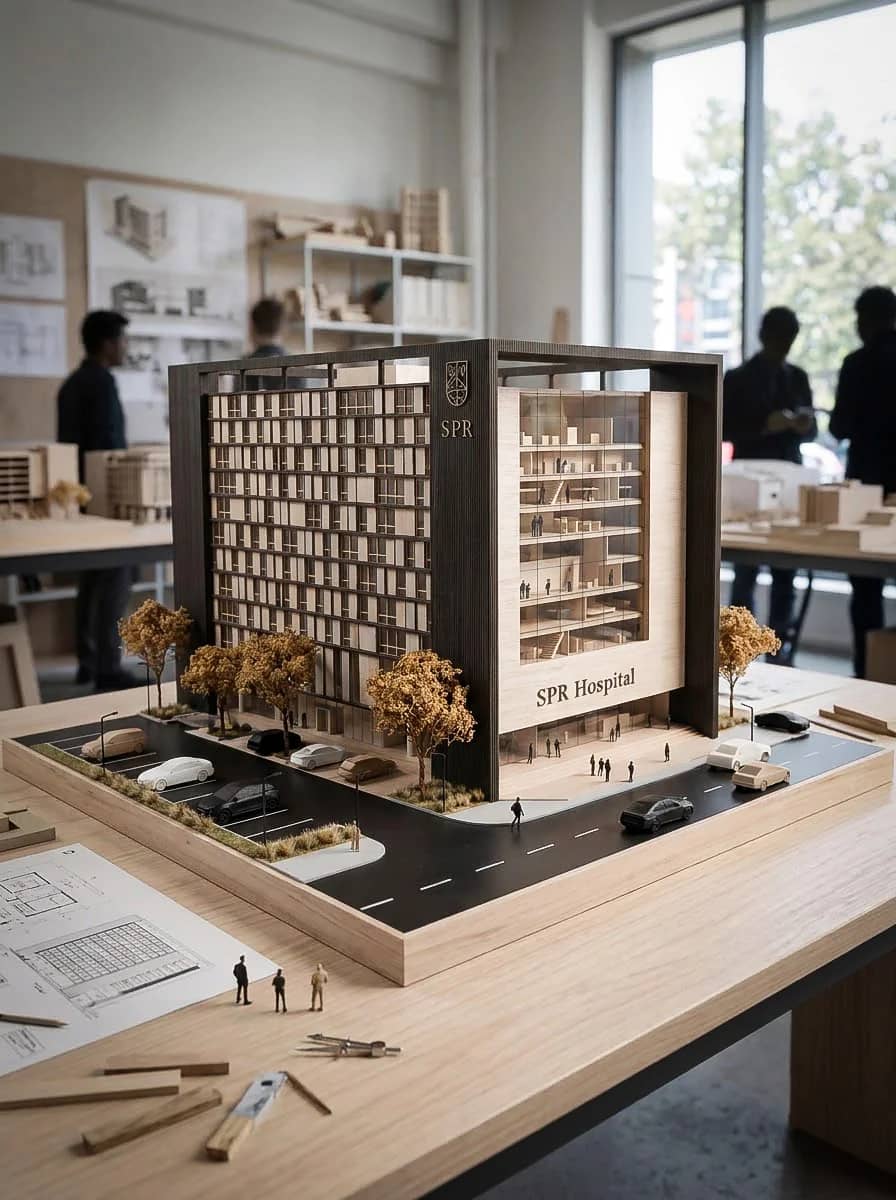
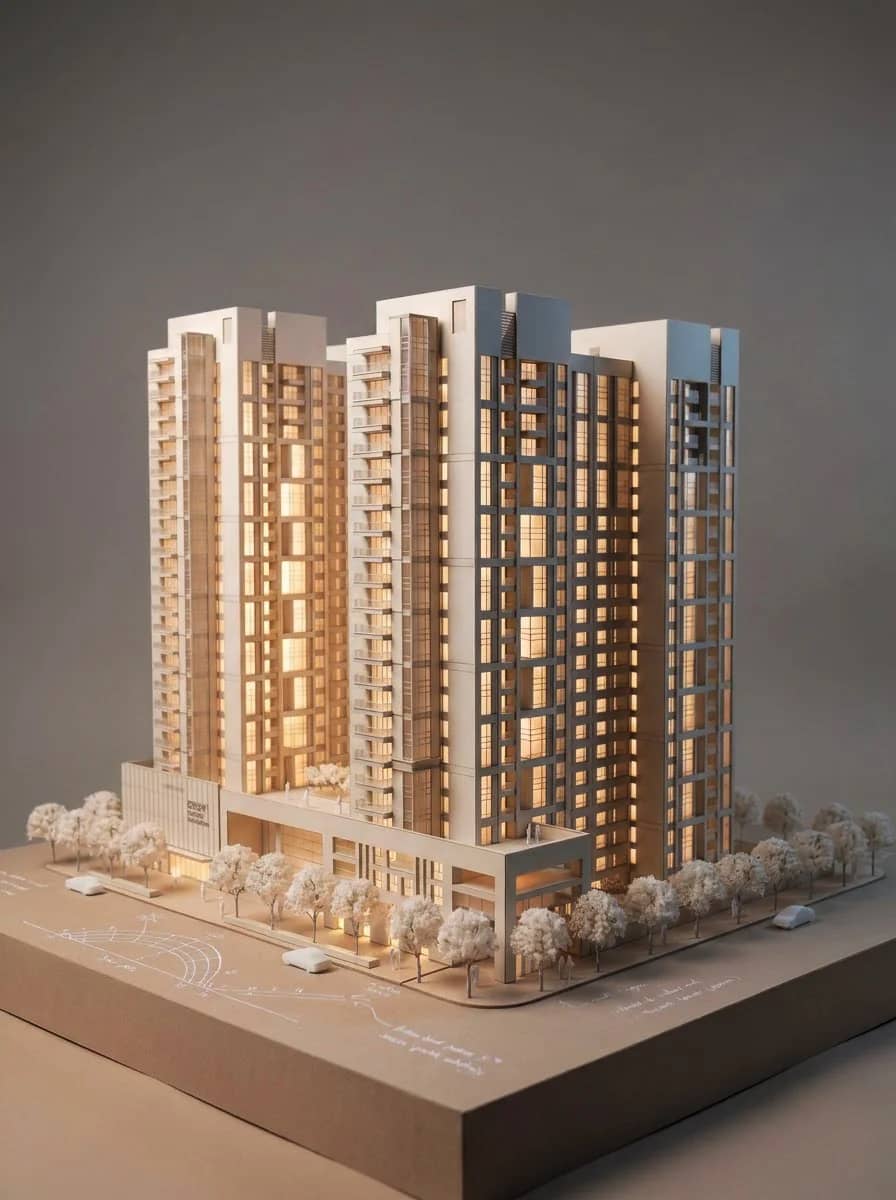
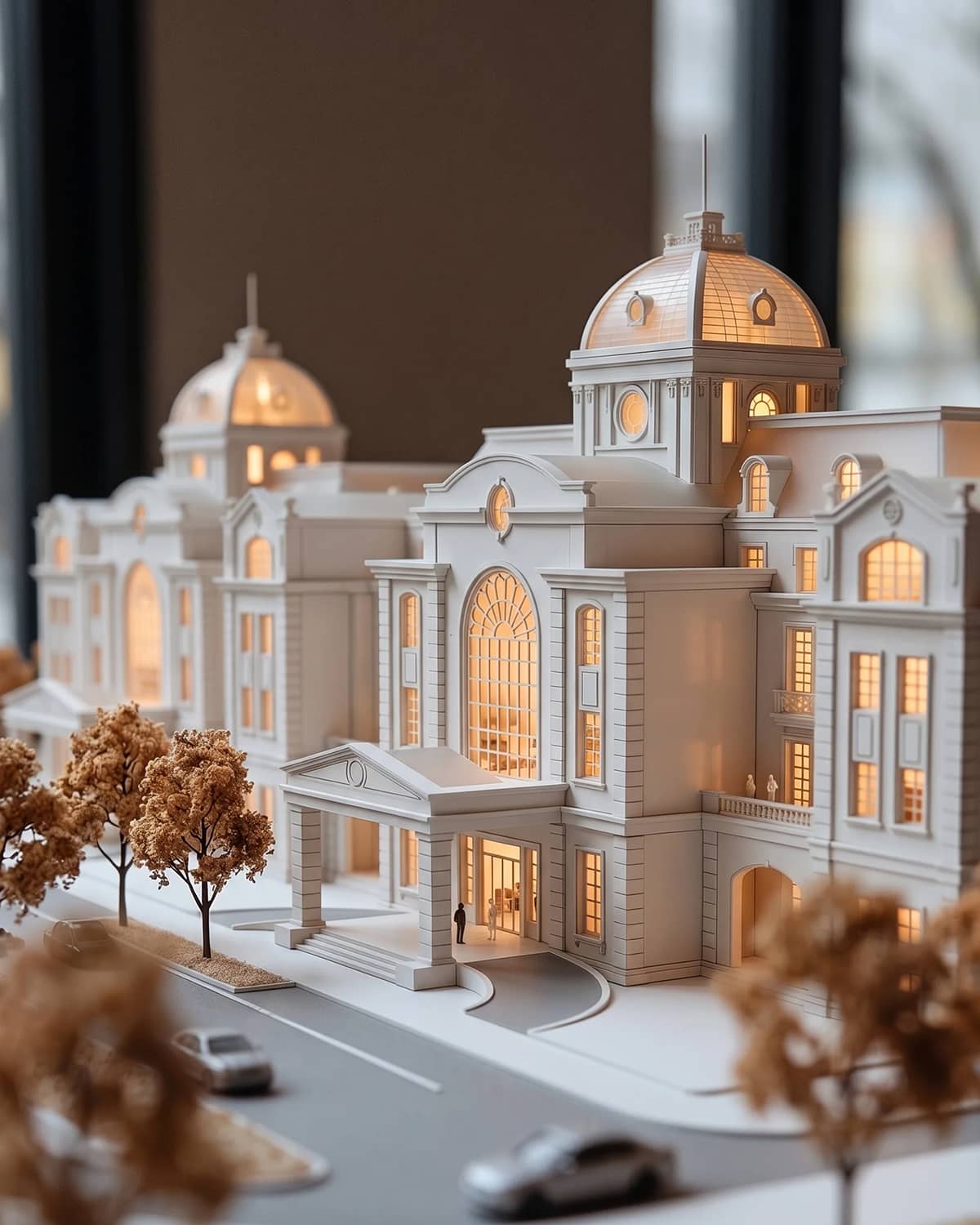
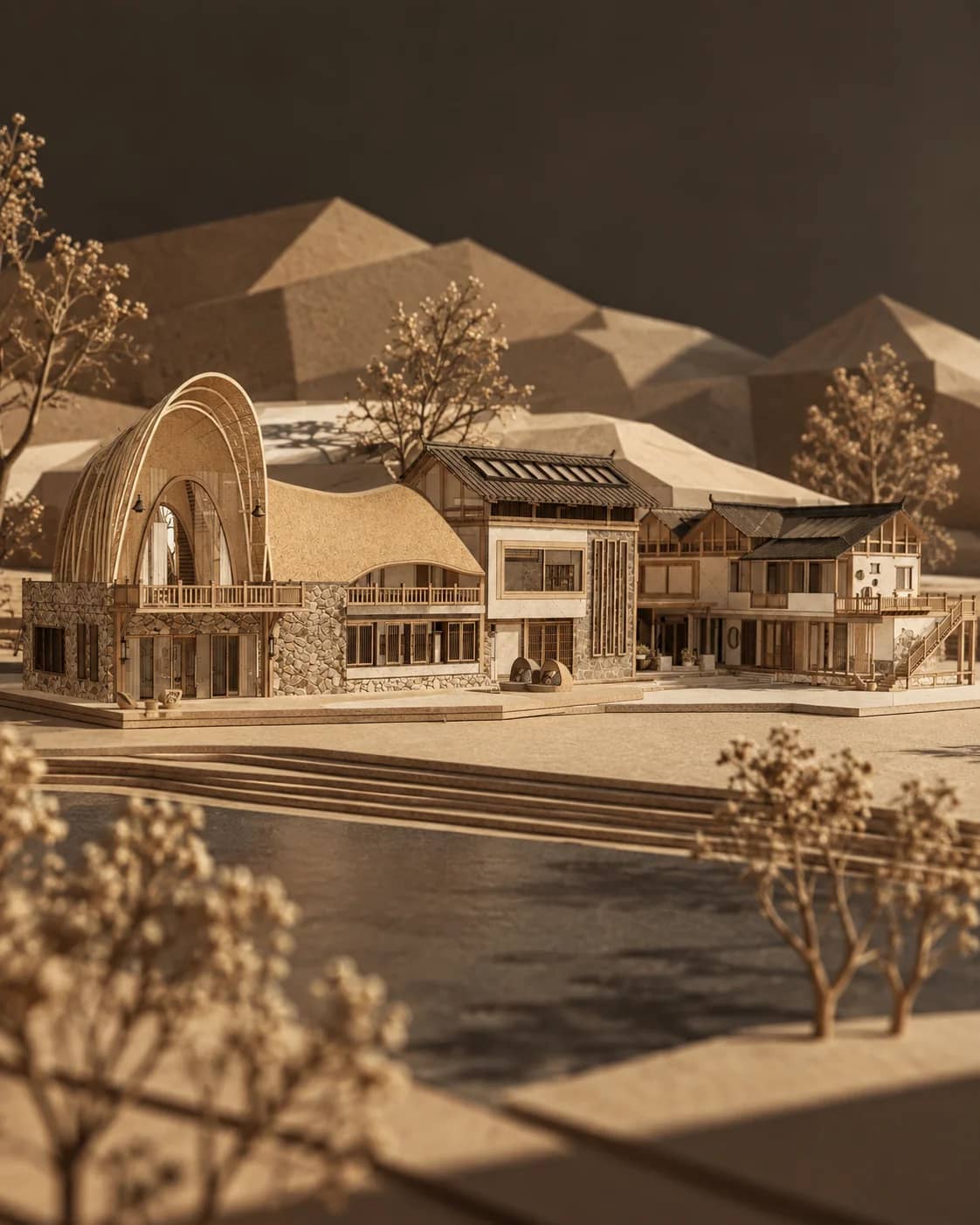
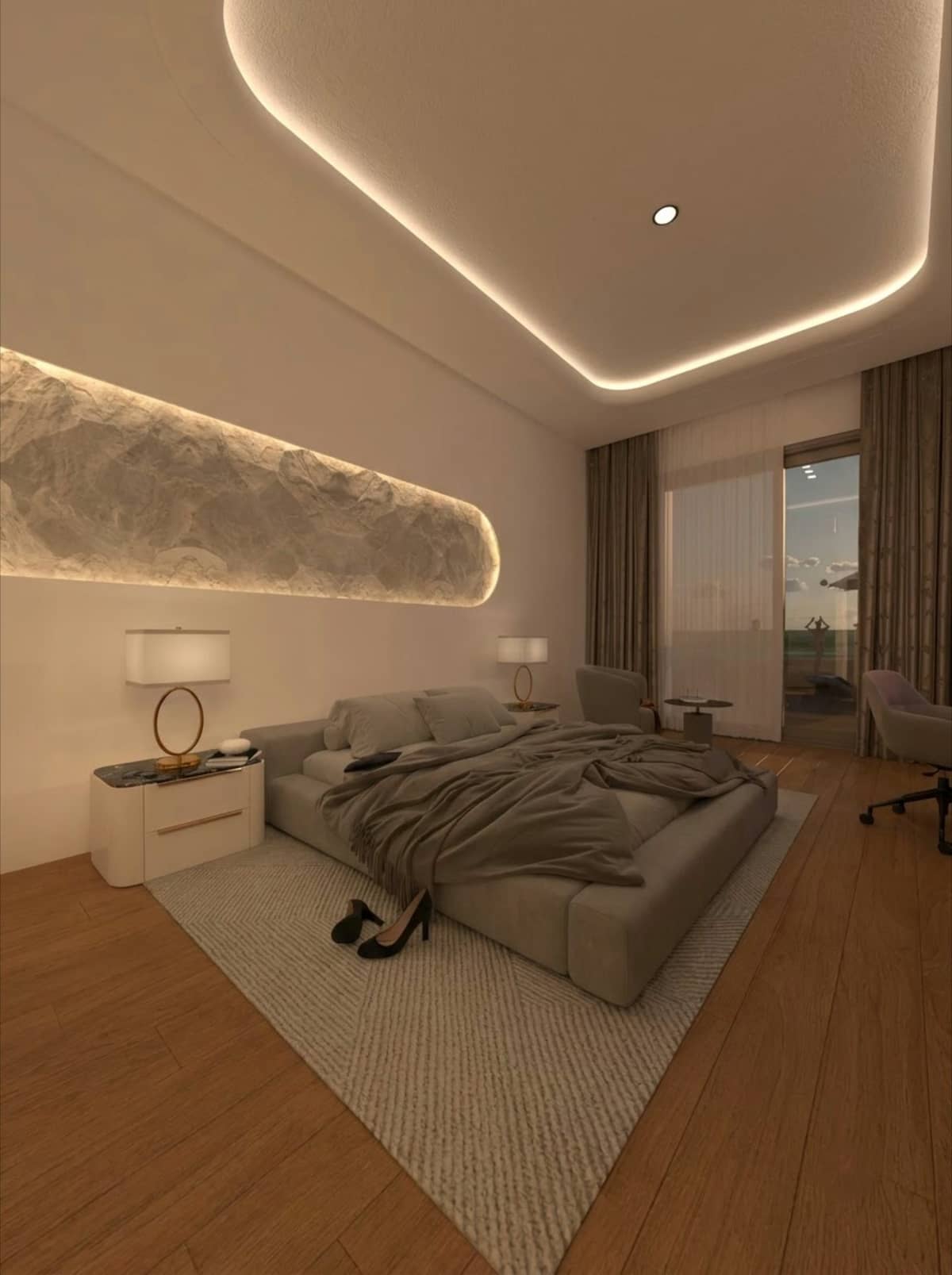
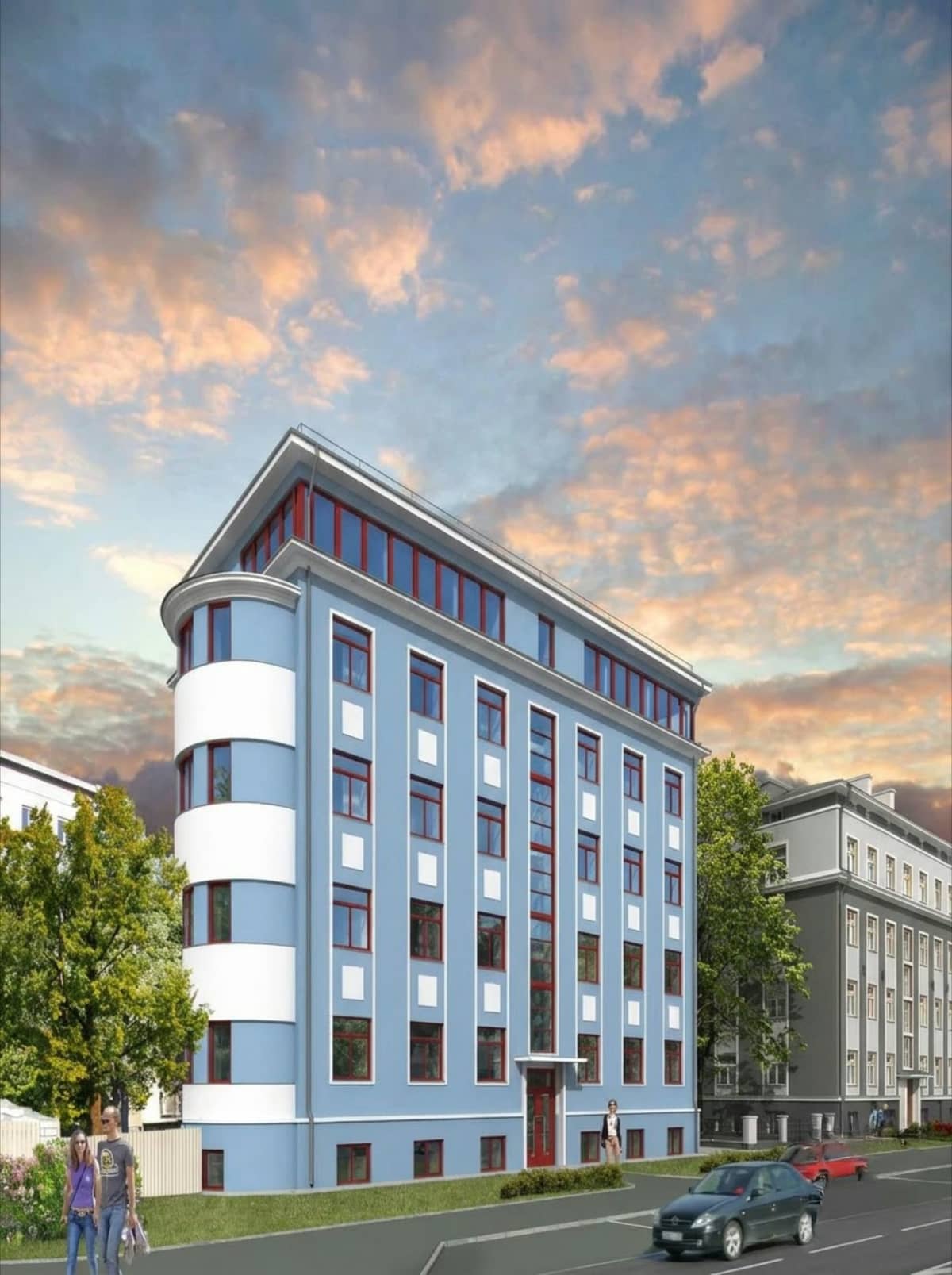
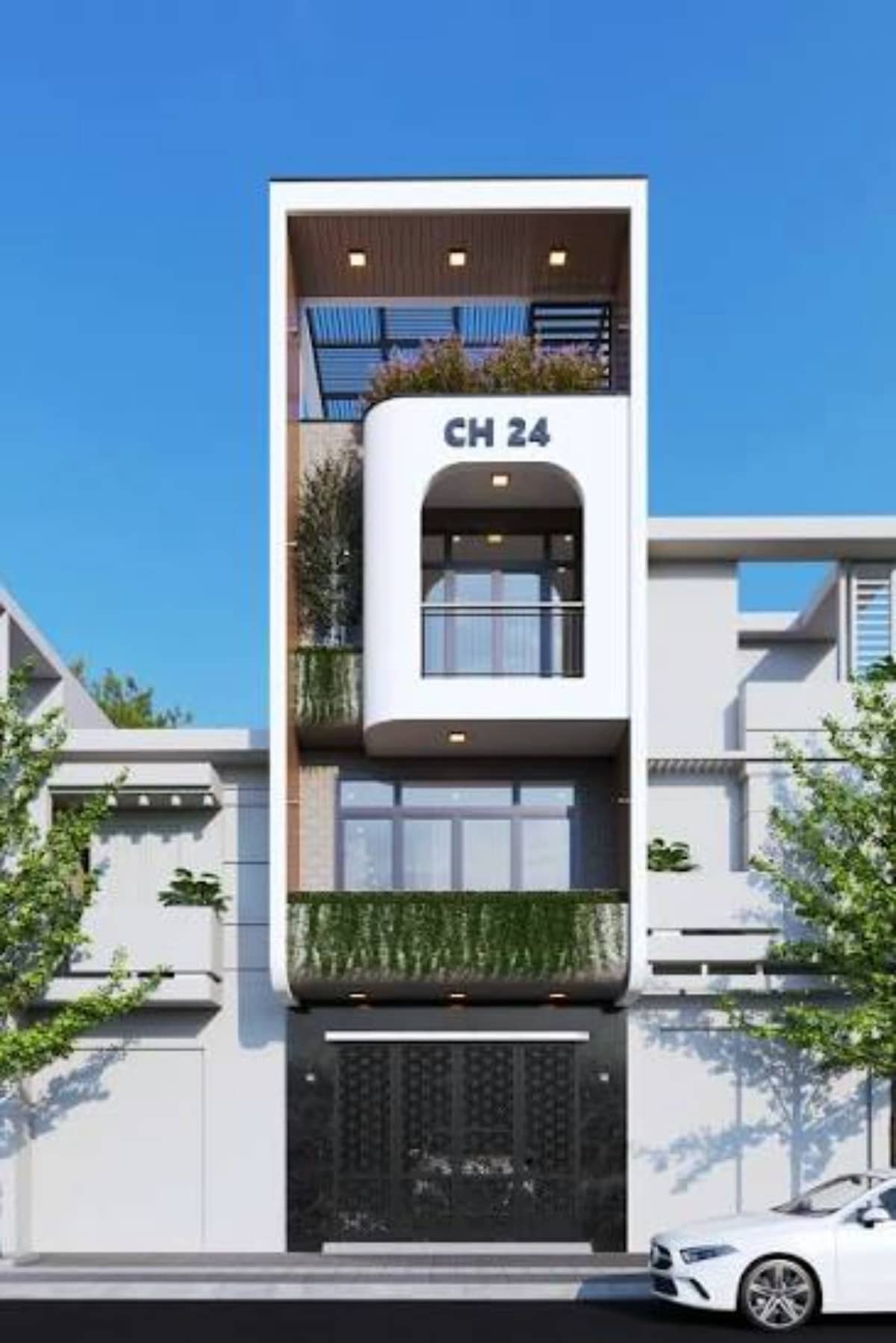
Your old, tired, plasticky renders. Brought back to life. Upgrade your portfolio now!
How it works
Three steps from screenshot to render.
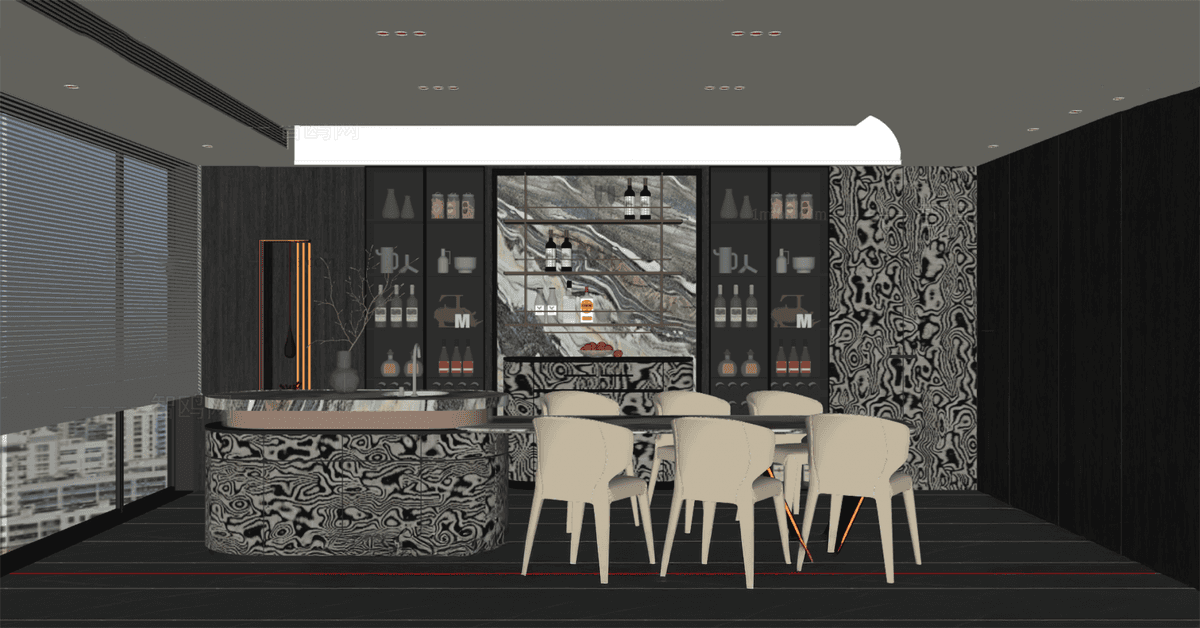
01
Upload
Drop in a screenshot of your model. Any view, any software.
02
Choose
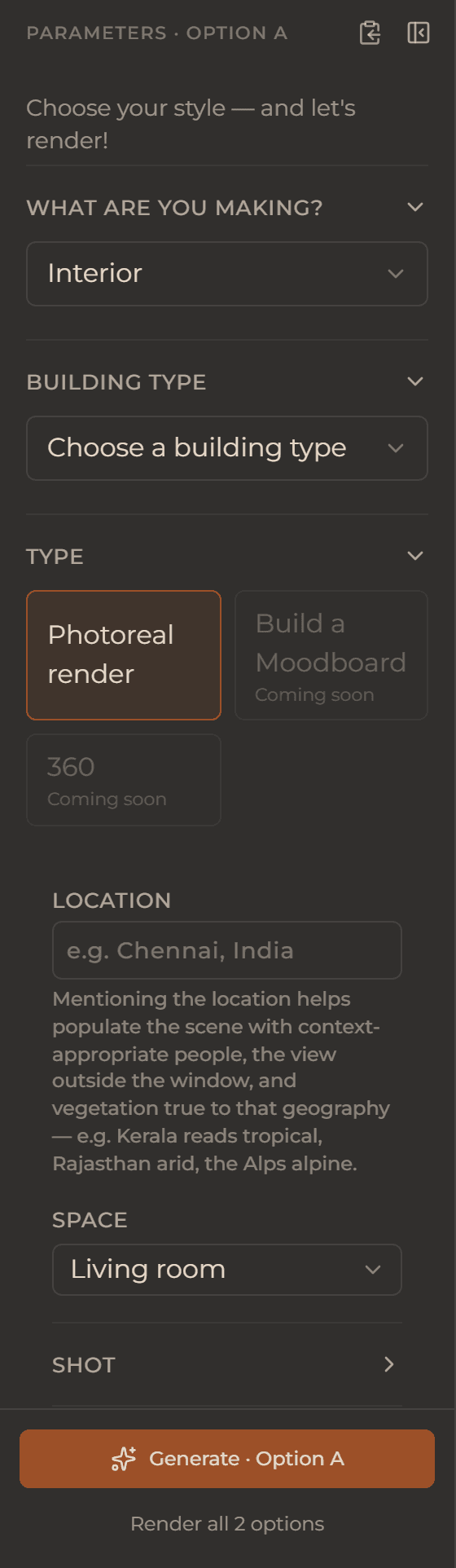
Pick your look from preset menus — building type, view, style, lighting, atmosphere. No prompt box.

03
Render
Client-ready in under a minute. Download it, or restage it again.
See what other designers are making with Pixerise.
Trusted by architects around the world.

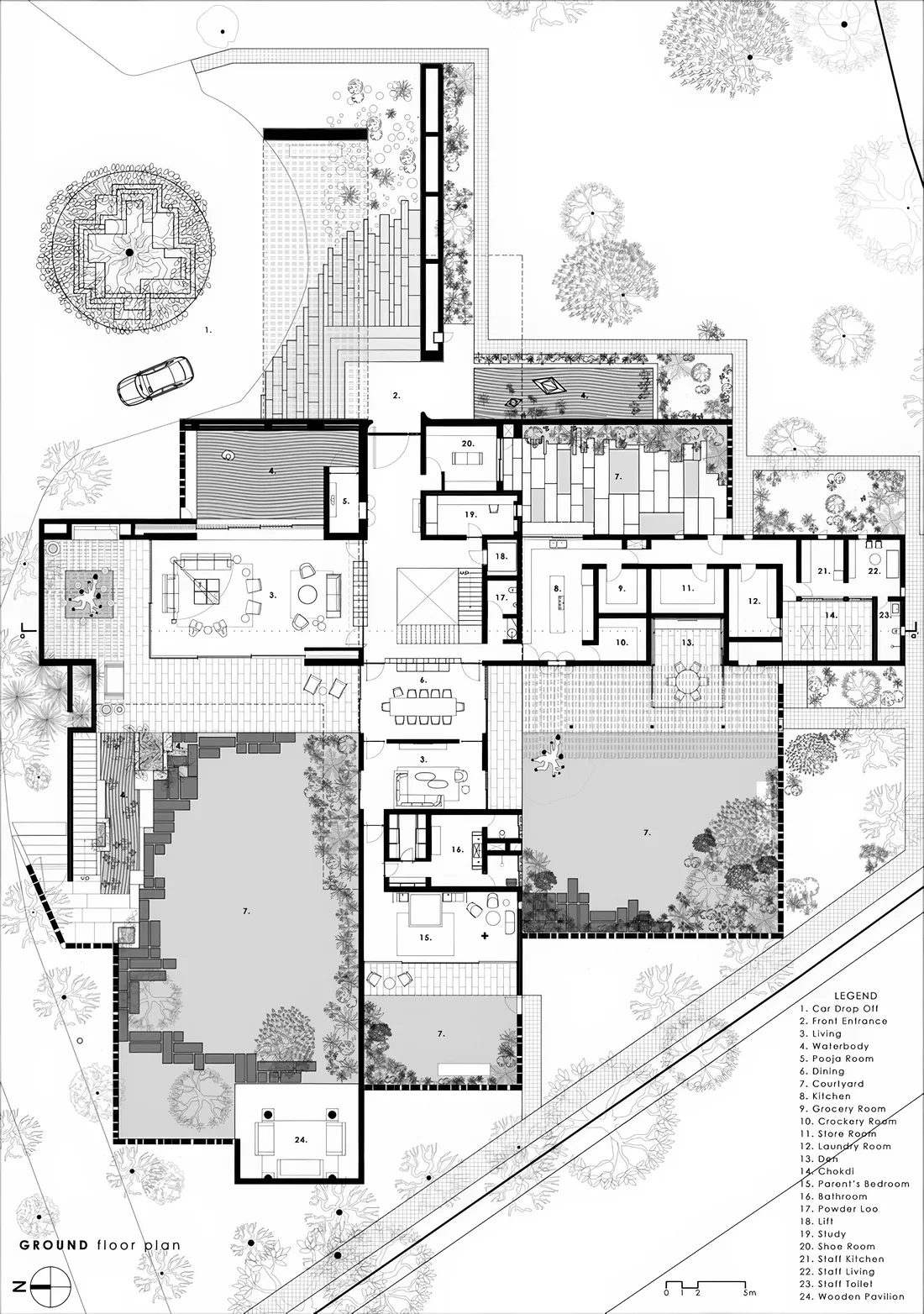
Presentation drawings
One drawing, curated styles, many looks.
Upload your DWG as a PDF and pick the style that suits your design language. Your lines, your proportions, every time. NO PROMPT.
Relight
One image. Every mood.
Every season.
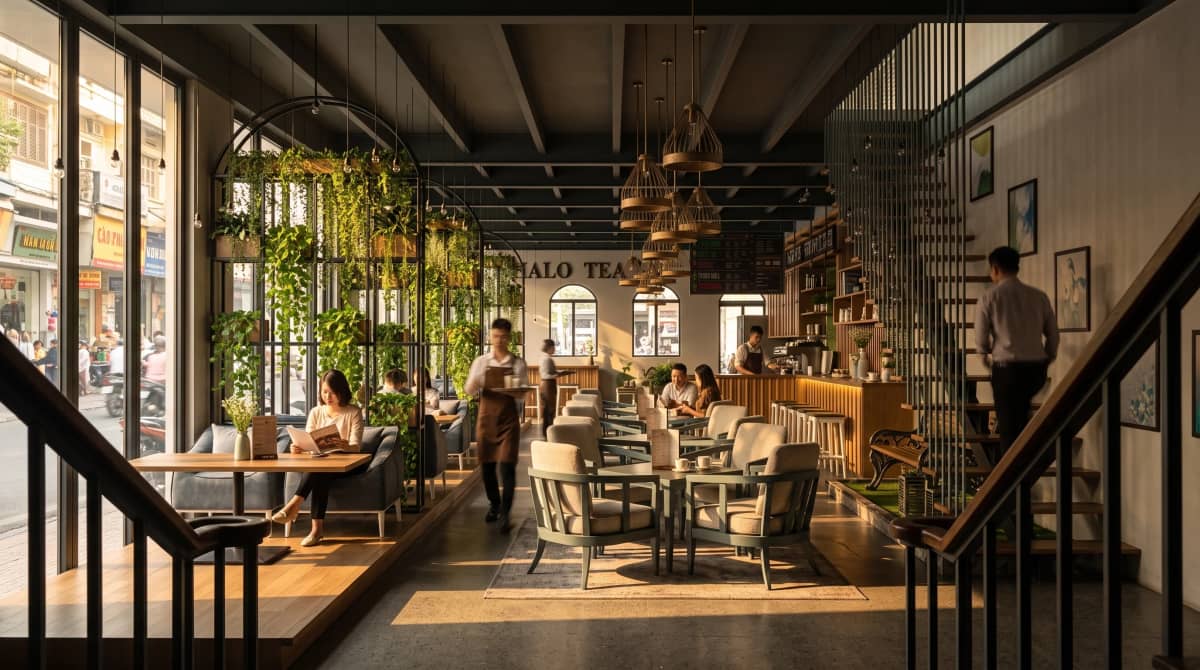
Morning, golden hour, blue hour, night — the same view, re-lit in one click. Nothing else moves.
Context-aware scenes
People who belong.
Choose the people in your render and the world around your building. An Indian home gets an Indian family and a mall in Korea populates with people from Korea. Intuitive engine that determines geography, surrounding vegetation, people & architectural context.
Spec, not prompt
Menus that make your job Easy.
Building type. View. Style. Lighting. Atmosphere. You pick from curated designer menus, and the suite translates your taste into top-of-the-line AI models. You never type a prompt. You never lose a word battle.

Preparing your 360 — please wait.
Rehanging the ceiling…
360° VR tour
Walk inside your design.
Don't just show a picture — let your client stand in the room and look around, or walk the whole house. One space or the full tour, from the same screenshot.
See it first
See a draft. Then upscale.
Every render starts as a fast, low-cost Draft. Love it? Commit to a crisp 4K Final. You never pay top dollar for a look you haven't seen yet.
Item swap
Drop in the real thing.
No more hunting for that particular 3D block or component.
Want to change that light? How about a different rug? Maybe a black marble cladding? Drag & drop your reference images and envision them immediately, without waiting hours for a redo — with Item Swap.


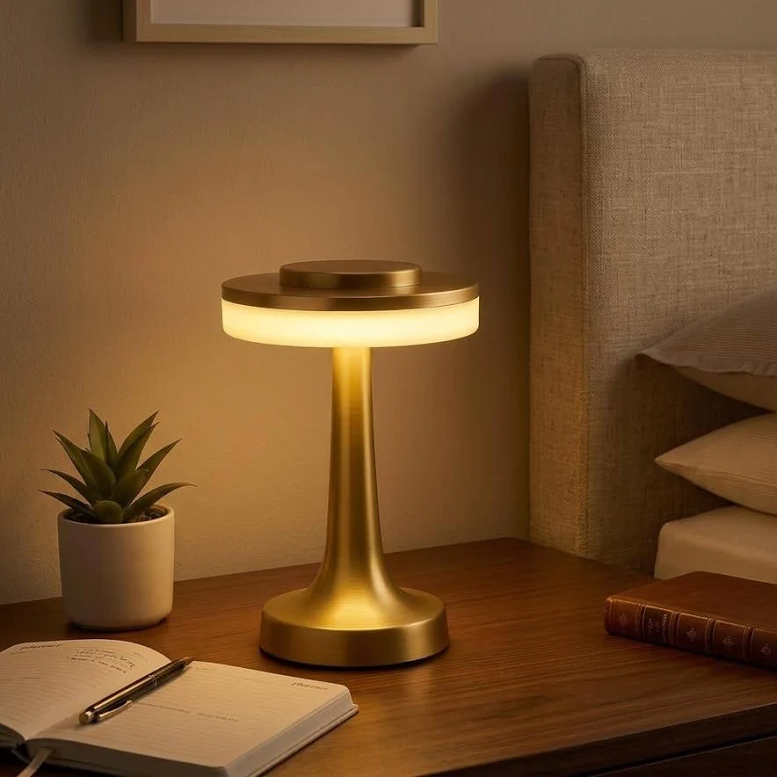

This was a screenshot.
The whole desk
Not just a renderer — a suite.
Fine-tune any render in the built-in image editor — crop, light, colour, curves. Keep every render sorted by project, with full history and storage. Nothing lost in a chat thread.
On the board — you vote on what ships next
Pricing
Simple plans. Serious renders.
Free trial
This one’s on me — 5 free credits on signup. No card. Full workflow.
Starter
75 credits a month
1 credit a draft · 2 for a 4K final
- ✓10 GB cloud storage
- ✓1 render = 1 credit
- ✓4K Final = 2 credits
- ✓* Videos & 360° tours cost more credits
- ✓Renders reset every month
- ✓Full suite access
- ✓Render history & projects
Pro
150 credits a month
1 credit a draft · 2 for a 4K final
- ✓25 GB cloud storage
- ✓1 render = 1 credit
- ✓4K Final = 2 credits
- ✓* Videos & 360° tours cost more credits
- ✓Renders reset every month
- ✓Full suite access
- ✓Render history & projects
- ✦Priority customer support
- ✦Early access to new features
Studio
300 credits a month
1 credit a draft · 2 for a 4K final
- ✓100 GB cloud storage
- ✓1 render = 1 credit
- ✓4K Final = 2 credits
- ✓* Videos & 360° tours cost more credits
- ✓Renders reset every month
- ✓Full suite access
- ✓Render history & projects
- ✦Priority customer support
- ✦Early access to new features
Out of credits mid-project? Top-up packs are available inside the suite.
FAQ
Questions, answered.
How it works
A screenshot of your model — SketchUp, Revit, Blender, any software. If you can screenshot it, you can render it. No plugin, no export settings, no 3D file upload.
No. You spec your render from designer menus — building type, view, style, lighting, atmosphere. The suite does the translation. But if you are a designer who loves control - don't worry! you can still type what you want! There's room for that too.
A render lands in under a minute. Budget a few test renders on your first session to find your look — after that it's pick, click, done.
Both — plus relighting, change any item you want - furniture? lighting? flooring? - Just drag drop your reference and see it in 3d - no more hunting for blocks. VR 360° tours, with more on the way. It's a presentation suite, not a single-trick renderer.
Credits & billing
1 credit = 1 render at 2K. A 4K render is 2 credits. Downloads are free. Credits reset each month with your plan.
Top-up packs are available inside the suite, or upgrade your plan — upgrading is always the better per-credit deal.
Anytime. Monthly plans simply don't renew. Annual plans have a 14-day refund window.
why pixerise
Pixerise is built by Surya Jakanath — an architect, teacher, and visualizer. Not a generic tech toy; it comes from a designer's desk that looks a lot like yours.